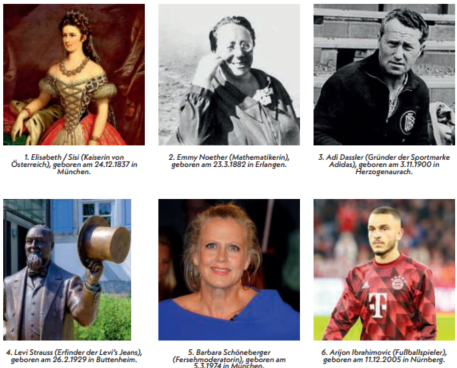
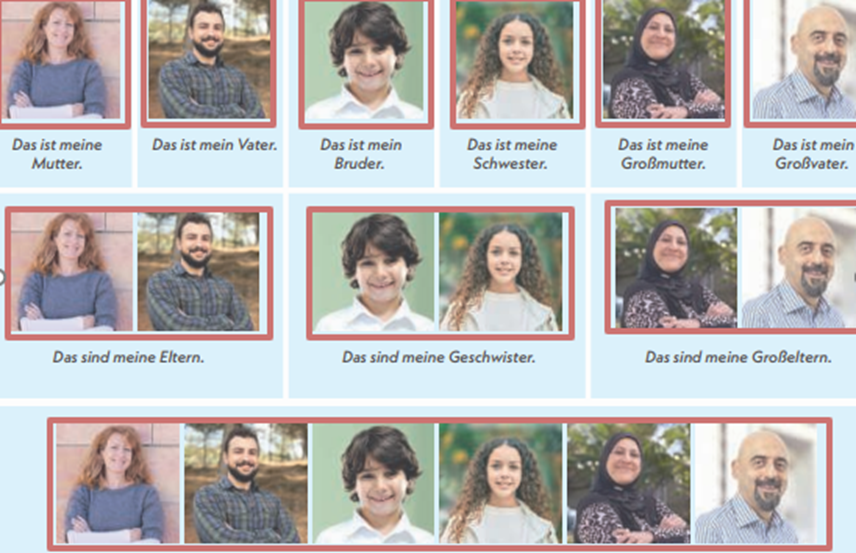
Documentation
Elements
- <a>
- <aside>
- <assessment>
- <author>
- <backcover>
- <blockquote>
- <body>
- <bodymatter>
- <caption>
- <code>
- <cover>
- <dd>
- <dl>
- <document>
- <dt>
- <em>
- <figure>
- <figureGroup>
- <frame>
- <frontcover>
- <frontmatter>
- <hd>
- <img>
- <input>
- <jacketcopy>
- <legend>
- <li>
- <line>
- <linegroup>
- <list>
- <meta>
- <metadata>
- <note>
- <noteRef>
- <number>
- <p>
- <page>
- <poem>
- <pullquote>
- <rearmatter>
- <section>
- <source>
- <span>
- <sub>
- <subtitle>
- <sup>
- <table>
- <tbody>
- <td>
- <tfoot>
- <th>
- <thead>
- <title>
- <tr>
Na klar!
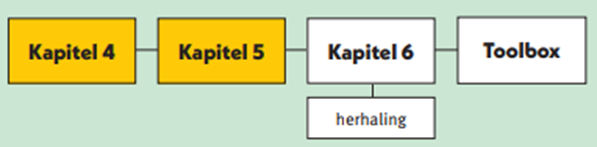
Book structure
Use the structure at the beginning of the book to determine the sectioning structure. See Sectioning for more information.
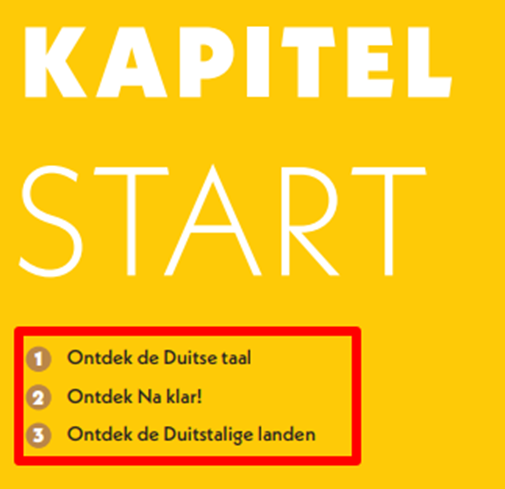
- Process the chapters ‘Kapitel (Start)’ ‘Toolbox’ and ‘Begrippenlijst grammatica’ within section 1, hd level=”1”:


- Process subchapters within section 2, hd level=”2”


- Process headers above the assessments within section 3, hd level=”3”:



- Don’t process example below and similar in <frame> but put the text in <p> below the header. Process the header within section 3, hd level=”3”.

Sectioning example
<section level="1" role="chapter">
<hd level="1">Kapitel Start</hd>
...
<section level="2" role="subChapter">
<hd level="2">Ontdek de Duitse taal</hd>
...
</section>
</section>

<section level="1" role="chapter">
<hd level="1">Kapitel <number>1</number></hd>

<section level="2" role="subChapter">
<hd level="2">Lektion <number>1</number> Sieh und lies mal</hd>

<section level="3" role="subChapter">
<hd level="3">Oerientierung</hd>

...
Frames
Process (colored) boxed text within <frame>
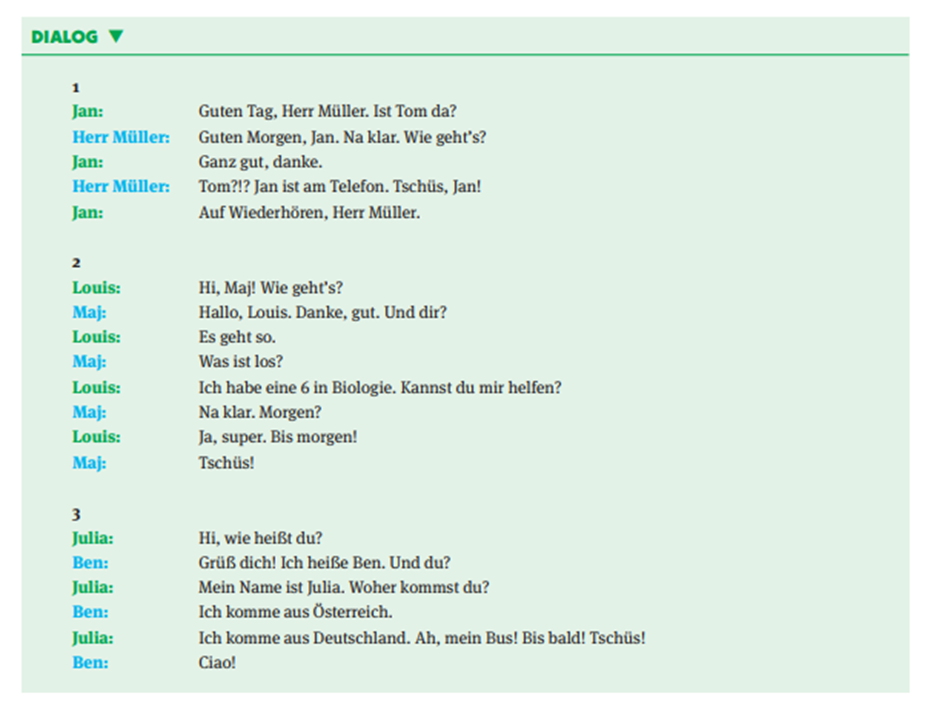

<frame>
<title>TIPP</title>
<hd>WORTSCHATZ</hd>
<p>...</p>
</frame>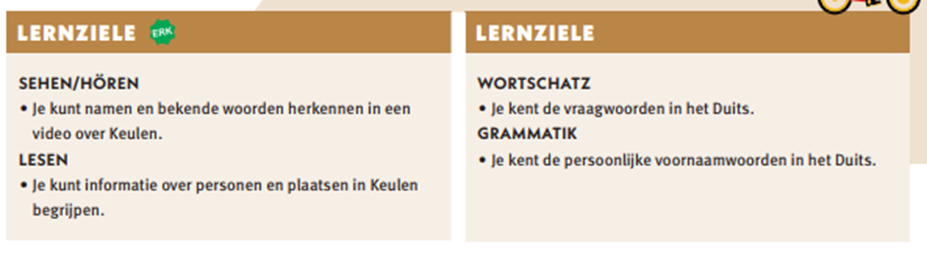
<frame>
<title>LERNZIELE <img alt="" role="informative" src=""/></title>
<hd>SEHEN/HÖREN</hd>
<list type="unordered" bullet="circle">
<li>Je kunt namen en bekende woorden herkennen in een video over Keulen</li>
</list>
<hd>LESEN</hd>
<list type="unordered" bullet="circle">
<li>Je kunt informatie over personen en plaatsen in Keulen begrijpen</li>
</list>
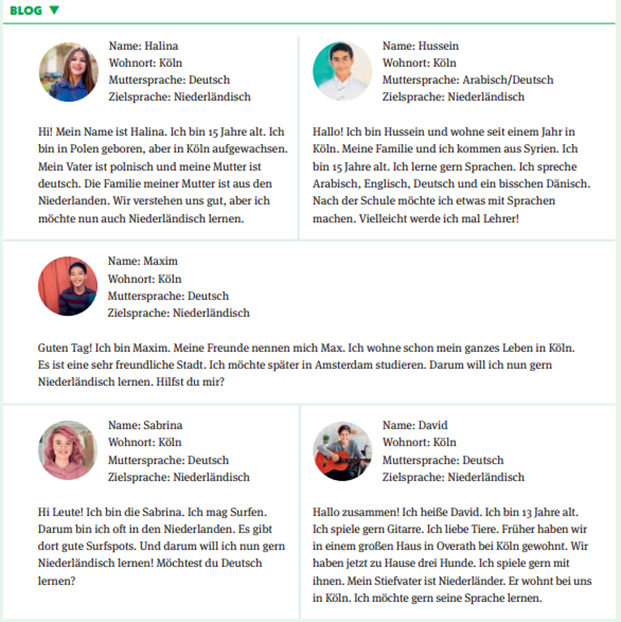
...
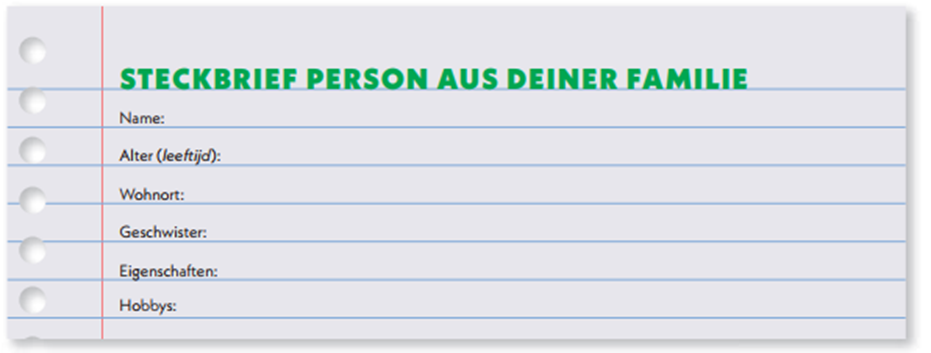
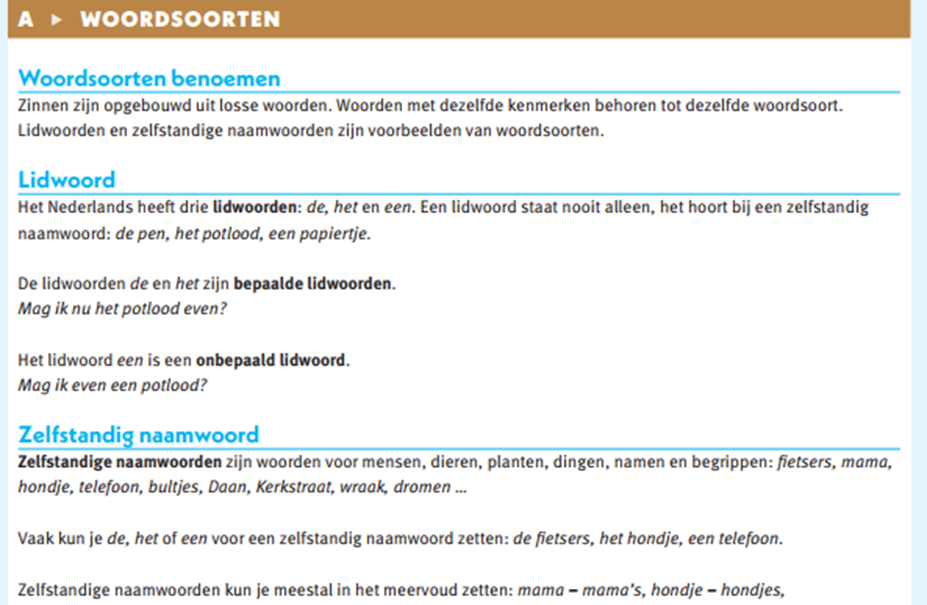
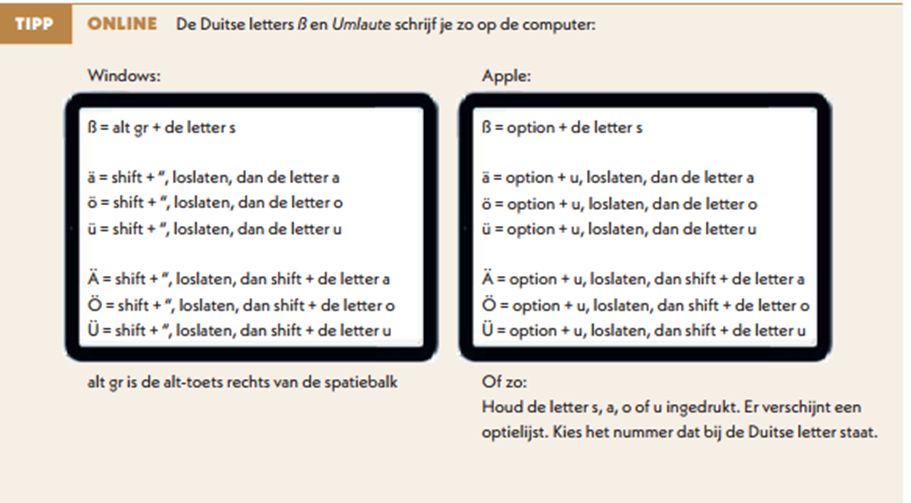
List
Process horizontal lists as follows:
<assessment>
<p fontStyles="bold"><number>30</number> A Ken je deze gerechten? Welk woord hoort waar? Kies uit de volgende woorden:</p>
<list type="unordered" bullet="none">
<li>der Knödel</li>
<li>das Wiener Schnitzel</li>
<li>die Bretzel</li>
…
</list>
</assessment>
Table
Process examples below and similar in <table>

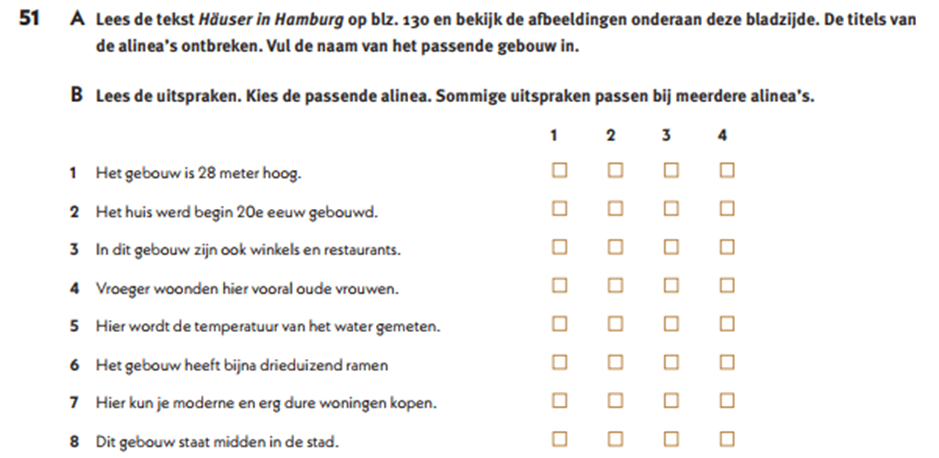

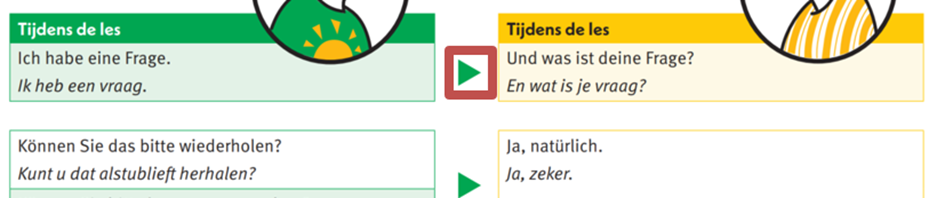
Assessments
- Process the number and instruction of the assessment within <p>
<assessment>
<p fontStyles="bold"><img alt="" role="informative" src=""/><number>3</number> Luister naar vijf fragmenten waarin vijf jongens zich in hun moedertaal voorstellen. Ze spreken Duits, Nederlands, Zweeds, Spaans en Turks. Beantwoord de vragen.</p>
...
</assessment>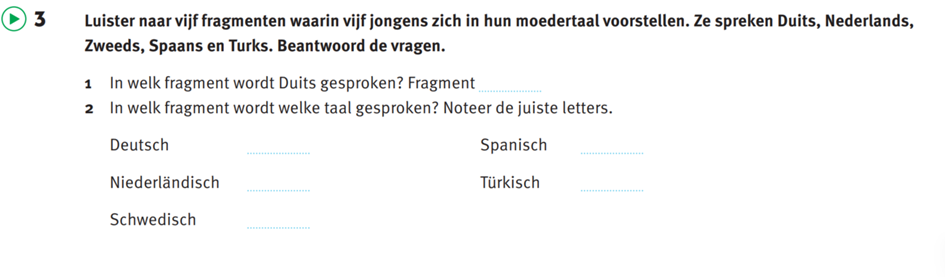
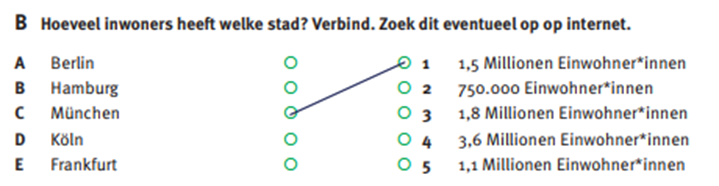
- For processing partially filled-in exercises see Input – MONET

Poem
Process song texts and poems with <poem>
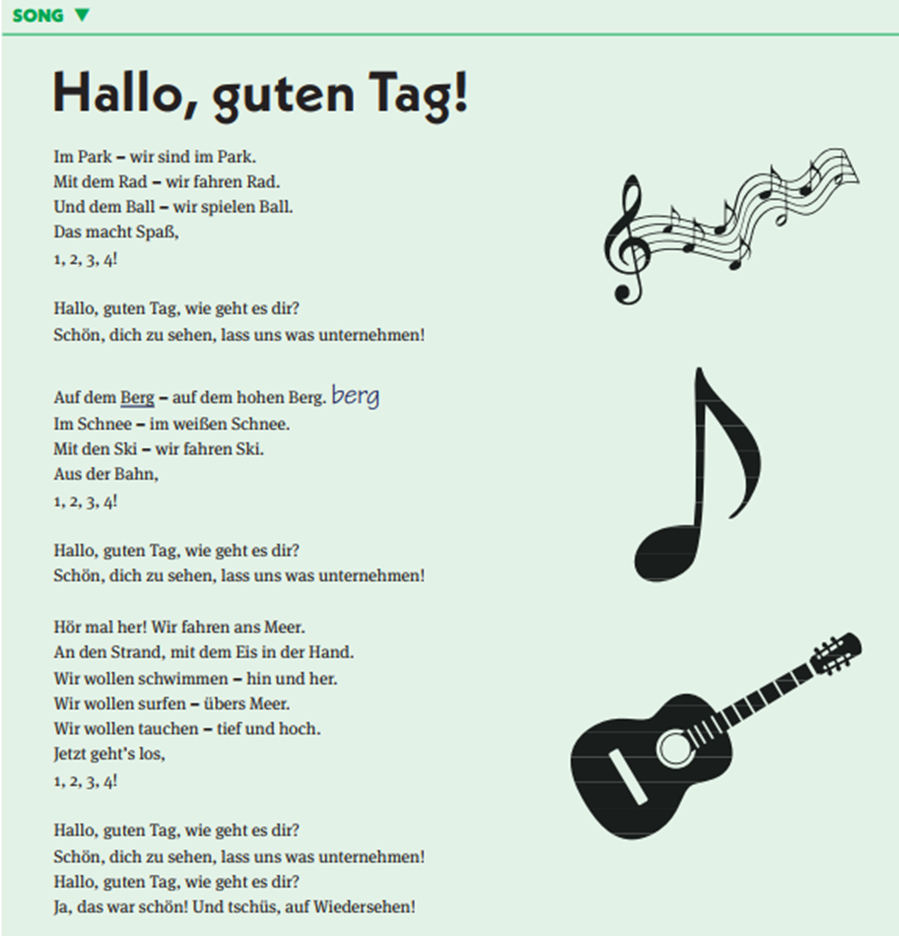
Figure – image – figuregroup
Figure
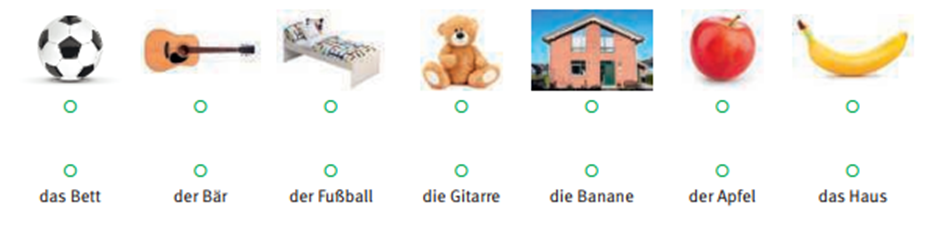
Process examples below and similar in <figure>
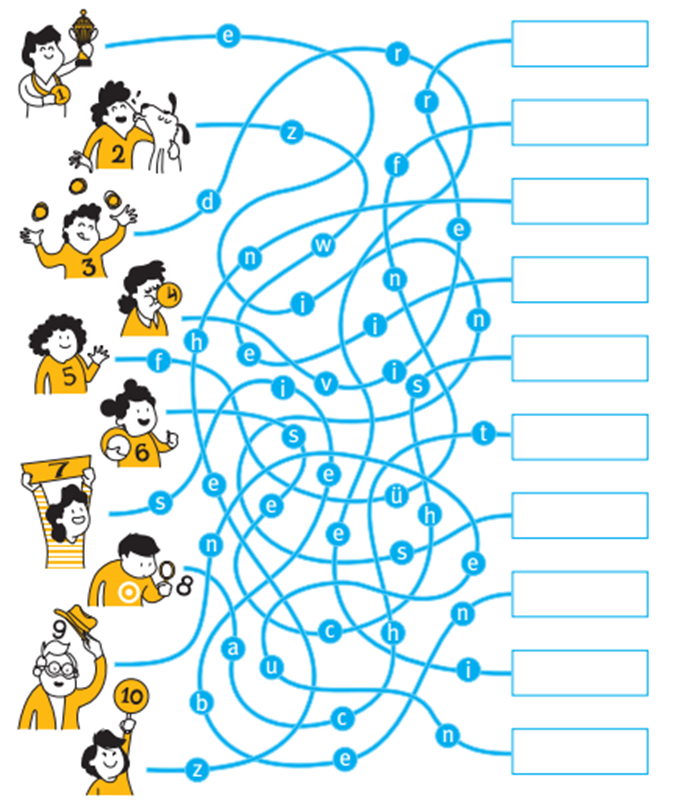
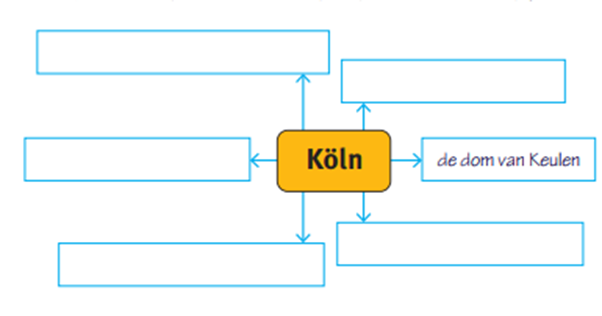
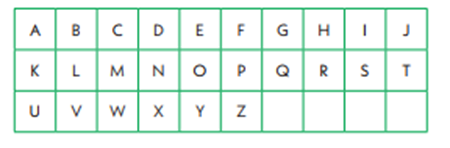
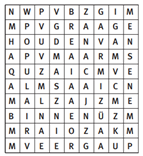
Image
Figuregroup
Process examples below and similar in <figuregroup> with <caption>.