Documentation
Elements
- <a>
- <altRepresentation>
- <aside>
- <assessment>
- <author>
- <backcover>
- <blockquote>
- <body>
- <bodymatter>
- <caption>
- <code>
- <cover>
- <dd>
- <dl>
- <document>
- <dt>
- <em>
- <figure>
- <figureGroup>
- <frame>
- <frontcover>
- <frontmatter>
- <hd>
- <img>
- <indicators>
- <input>
- <jacketcopy>
- <legend>
- <li>
- <line>
- <linegroup>
- <list>
- <meta>
- <metadata>
- <note>
- <noteRef>
- <p>
- <pagebreak>
- <poem>
- <publication>
- <pullquote>
- <rearmatter>
- <section>
- <source>
- <span>
- <sub>
- <subtitle>
- <sup>
- <table>
- <tbody>
- <td>
- <tfoot>
- <th>
- <thead>
- <title>
- <tr>
<pagebreak>
The <pagebreak> element identifies the start of a new page.
Notes
- The
<pagebreak>element must be placed at the top of a page, regardless of where the page number is located on the print page. - Use as block or inline element.
- The element should only contain alpha-numeric content.
- Repeating page numbers.
- If a page number repeats in the same book, add a prefix to the page number and the page id. This can happen in books with multiple parts, courses, or lessons.
- Example: A book has lessons 1 to 10. Each lesson starts again at page 1. For lesson 1, format page numbers as 1-1, 1-2, 1-3, etc. Start with
<pagebreak id="pb-1-1">1-1</pagebreak>. Lesson 2 starts with<pagebreak id="pb-2-1">2-1</pagebreak>.
- Unnumbered pages. Pages that are unnumbered, but part of the page number sequence must be included. Its
idattribute must be part of the id sequence and its content must be empty.
Attributes
| Name | Explanation | Required |
|---|---|---|
id | The identifier of a page. Format as | |
title | The title attribute is used when the source material has a textual addition of the page number. | |
emptyPage | If there’s an empty page present, the page element gets an attribute signaling that it pertains an empty page. Use |
Examples
Page with visible page number
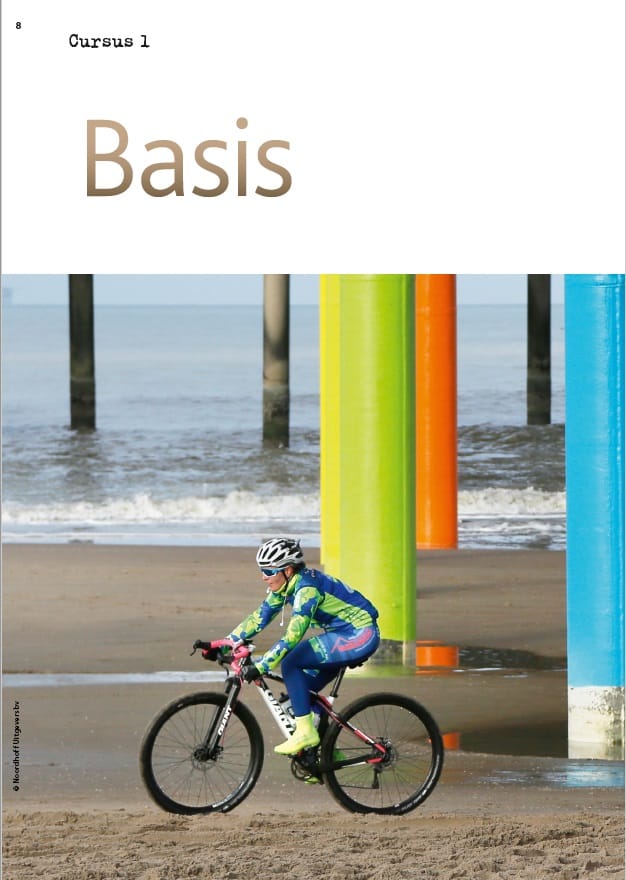
<pagebreak id="pb-8">8</pagebreak>Page without page number
<pagebreak id="pb-2"></pagebreak>Empty page

<pagebreak id="pb-3" emptyPage="true"></pagebreak>Pages with text added to page number
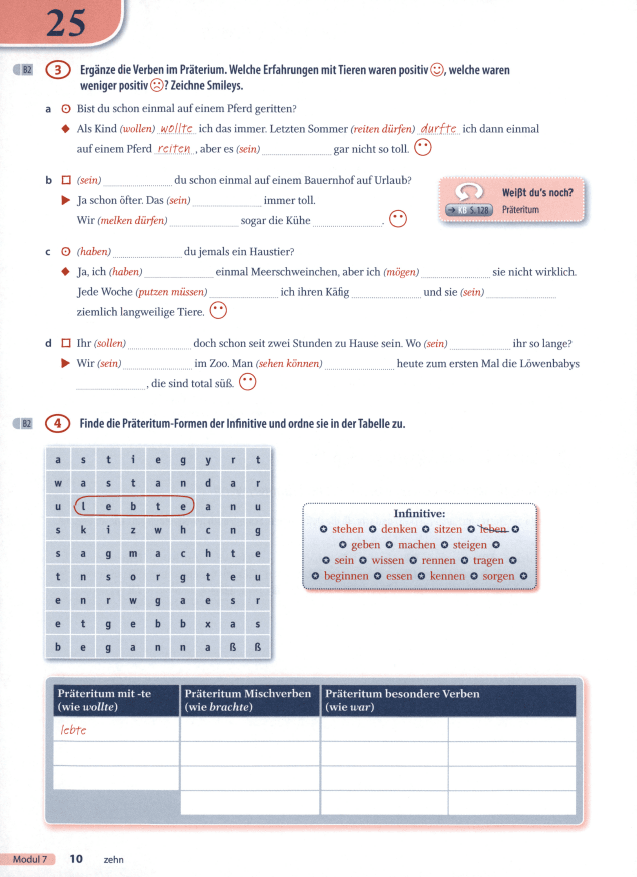
<pagebreak id="pb-10" title="zehn">10</pagebreak>