Documentation
Elements
- <a>
- <altRepresentation>
- <aside>
- <assessment>
- <author>
- <backcover>
- <blockquote>
- <body>
- <bodymatter>
- <caption>
- <code>
- <cover>
- <dd>
- <dl>
- <document>
- <dt>
- <em>
- <figure>
- <figureGroup>
- <frame>
- <frontcover>
- <frontmatter>
- <hd>
- <img>
- <indicators>
- <input>
- <jacketcopy>
- <legend>
- <li>
- <line>
- <linegroup>
- <list>
- <meta>
- <metadata>
- <note>
- <noteRef>
- <p>
- <pagebreak>
- <poem>
- <publication>
- <pullquote>
- <rearmatter>
- <section>
- <source>
- <span>
- <sub>
- <subtitle>
- <sup>
- <table>
- <tbody>
- <td>
- <tfoot>
- <th>
- <thead>
- <title>
- <tr>
<indicators>
The <indicators> element is used to process pictograms that give extra information about an assessment. These pictograms often appear in the margin and show what kind of activity it is, how the learner should work, or whether there are any special conditions.
See Pictograms for more information about pictograms.
Placement of indicators
-
Place
<indicators>immediately before the content it refers to. -
This means:
-
directly after the
<title>when the indicators apply to the complete assessment. -
directly before a new question when the indicators apply only to that question.
-
Examples
Assessment with multiple pictograms
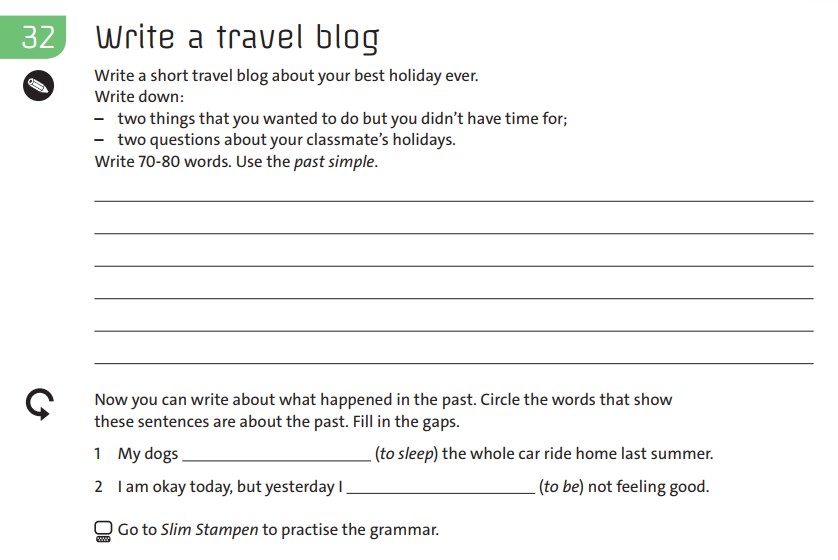
<assessment assessmentType="">
<title number="32">32 Write a travel blog</title>
<indicators><img src="/img/pencil.jpg" alt="writing" role="informative" type="pictogram"/></indicators>
<p>Write a short travel blog about your best holiday ever.</p>
<p>Write down:</p>
<list listType="unordered" bulletType="dash">
<li>two things that you wanted to do but didn't have time for;</li>
<li>two questions about your classmate's holidays.</li>
</list>
<p>Write 70-80 words. Use the <em type="italic">past simple</em>.</p>
<p><input type="textarea"/></p>
<indicators><img src="/img/repeat-arrow.jpg" alt="repeat" role="informative" type="pictogram"/></indicators>
<p>Now you can write about what happended in the past. Circle the words that show these sentences are about the past. Fill in the gaps.</p>
<p>1 My dogs <input type="text"/> (<em type="italic">to sleep</em> the whole car ride home last summer.</p>
<p>2 I am okay today, but yesterday I <input type="text"/> (<em type="italic">to be</em>) not feeling good.</p>
<p><img src="/img/computer.jpg" alt="online" type="pictogram" role="informative"/> Go to <em type="italic">Slim Stampen</em> to practise the grammar.</p>
</assessment>
Assessment with one pictogram for the complete assessment
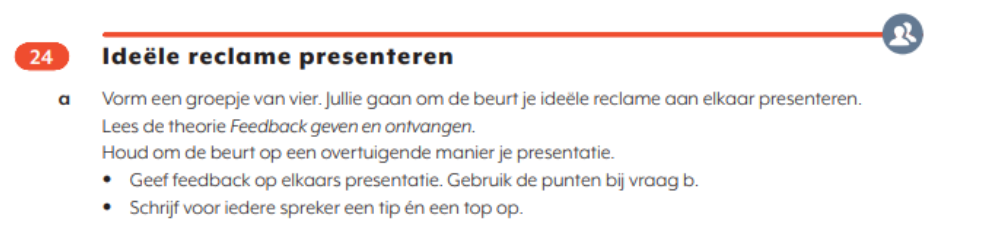
<assessment assessmentType="">
<title number="24">24 Ideële reclame presenteren</title>
<indicators><img alt="Samen" role="informative" src="/develop/img/000000_samen.jpg" type="pictogram"/></indicators>
<p><em type="bold">a</em> Vorm een groepje van vier. Jullie gaan om de beurt je ideële reclame aan elkaar presenteren.</p>
<p>Lees de theorie <em type="italic">Feedback geven en ontvangen.</em></p>
<p>Houd om de beurt op een overtuigende manier je presentatie.</p>
<list listType="unordered" bulletType="circle">
<li>Geef feedback op elkaars presentatie. Gebruik de punten bij vraag b.</li>
<li>Schrijf voor iedere spreker een tip en een top op.</li>
</list>
</assessment>