Documentation
Elements
- <a>
- <aside>
- <assessment>
- <author>
- <backcover>
- <blockquote>
- <body>
- <bodymatter>
- <caption>
- <code>
- <cover>
- <dd>
- <dl>
- <document>
- <dt>
- <em>
- <figure>
- <figureGroup>
- <frame>
- <frontcover>
- <frontmatter>
- <hd>
- <img>
- <input>
- <jacketcopy>
- <legend>
- <li>
- <line>
- <linegroup>
- <list>
- <meta>
- <metadata>
- <note>
- <noteRef>
- <number>
- <p>
- <page>
- <poem>
- <pullquote>
- <rearmatter>
- <section>
- <source>
- <span>
- <sub>
- <subtitle>
- <sup>
- <table>
- <tbody>
- <td>
- <tfoot>
- <th>
- <thead>
- <title>
- <tr>
Nieuw Nederlands Junior Taal
Basic structure
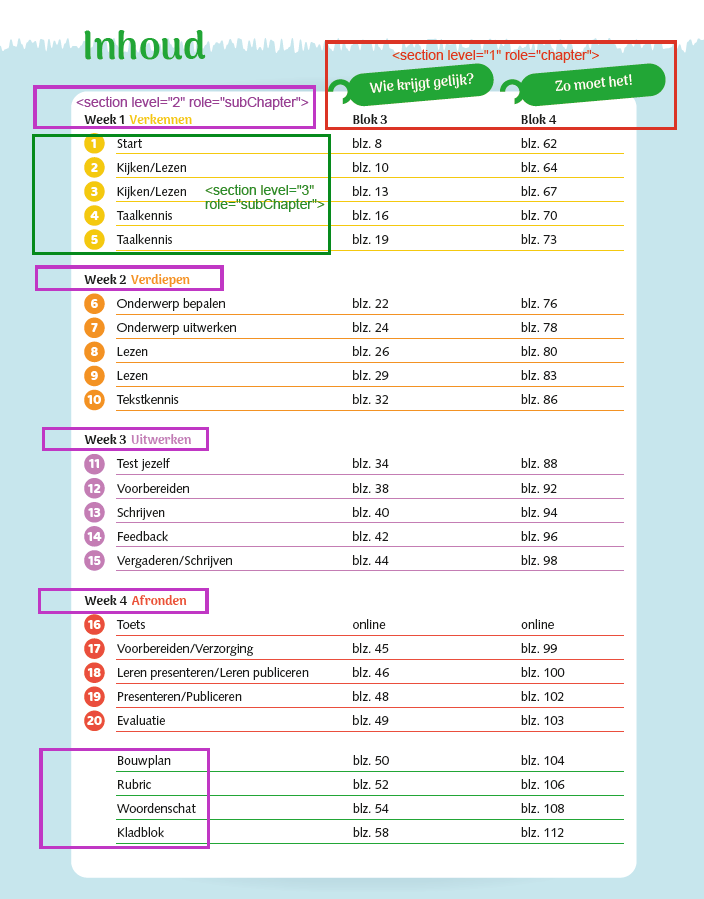
Use the table of contents at the beginning of the book to determine the basic structure. Process the table of contents as one table.
Tables
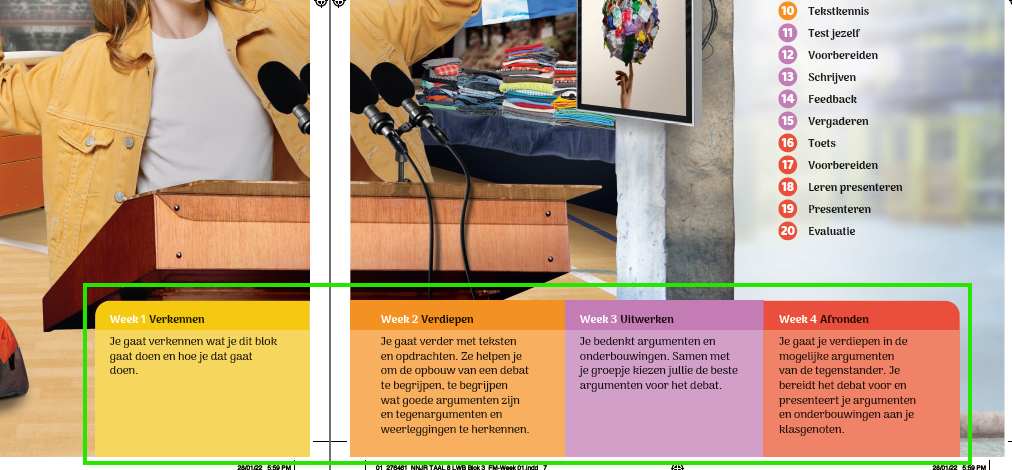
The part in the green box should be processed as one table.
List
Process in the following example and similair the words in boxes in a <list>:

Linenumbers
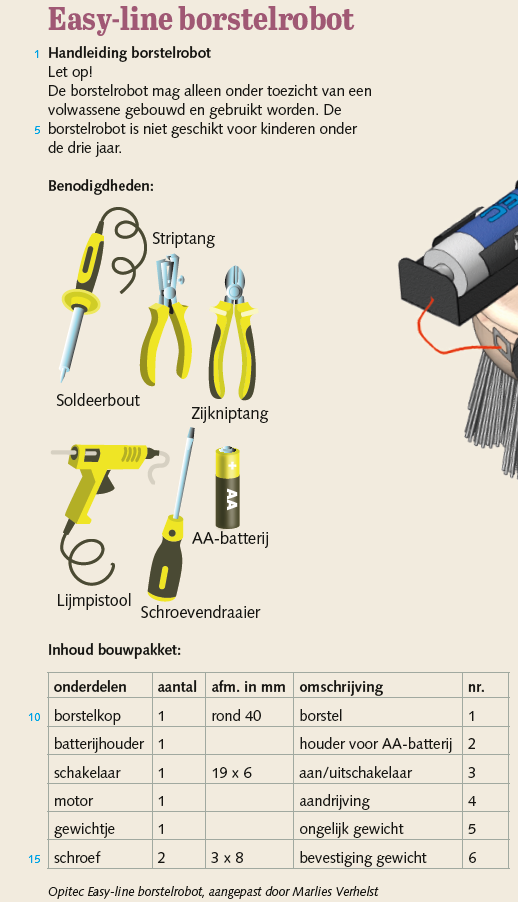
Do NOT process the following example and similair as linegroups. Put the linenumbers between [ ] as close as possible to where they appear.
Frames and Asides
Text in boxes and on different background colours should be put in a frame.
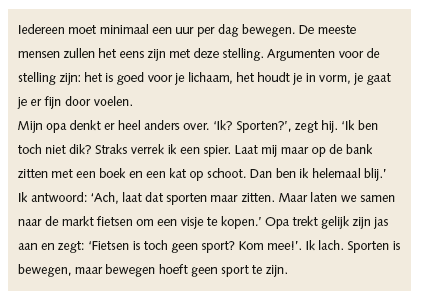

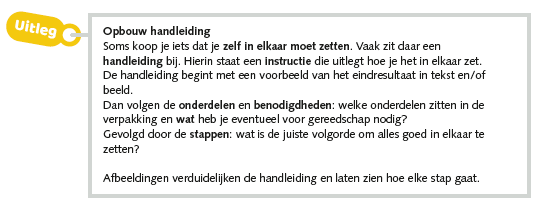
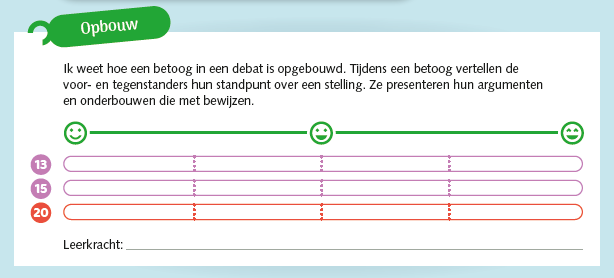
The following are also frames. The text in the green tag is the title of the frame.
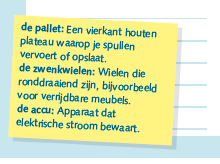
Stickynotes are asides.
Icons and Images
Pay attention to inline images and icons. See Images Archives – MONET for more info.
Capture the following types of images as one image:

Text
The folllowing image should be processed as text with an input field:

<p>Score: <input type="text"/></p>Assessments
See Assessments for more info. Match exercises can be captured as an image.