Documentation
Elements
- <a>
- <aside>
- <assessment>
- <author>
- <backcover>
- <blockquote>
- <body>
- <bodymatter>
- <caption>
- <code>
- <cover>
- <dd>
- <dl>
- <document>
- <dt>
- <em>
- <figure>
- <figureGroup>
- <frame>
- <frontcover>
- <frontmatter>
- <hd>
- <img>
- <input>
- <jacketcopy>
- <legend>
- <li>
- <line>
- <linegroup>
- <list>
- <meta>
- <metadata>
- <note>
- <noteRef>
- <number>
- <p>
- <page>
- <poem>
- <pullquote>
- <rearmatter>
- <section>
- <source>
- <span>
- <sub>
- <subtitle>
- <sup>
- <table>
- <tbody>
- <td>
- <tfoot>
- <th>
- <thead>
- <title>
- <tr>
BuiteNLand
5.0 FLEX
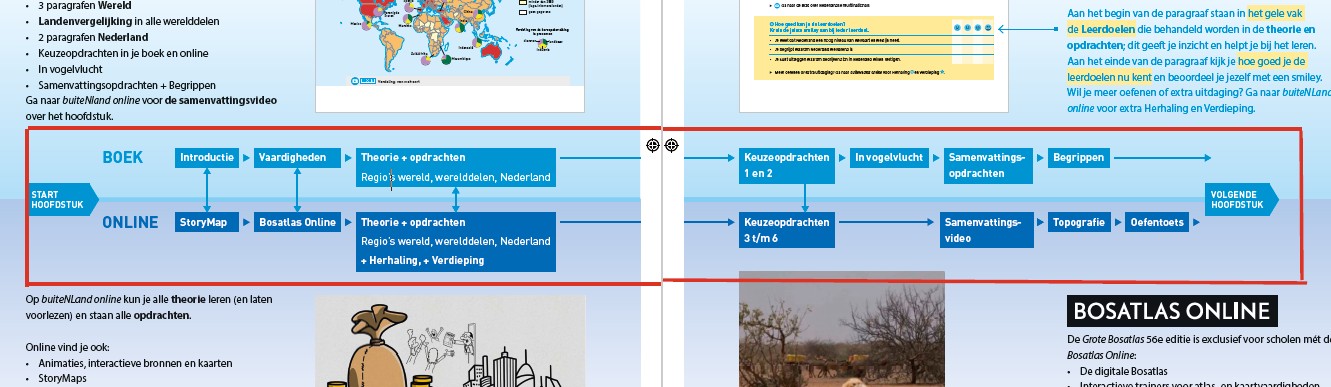
Book structure
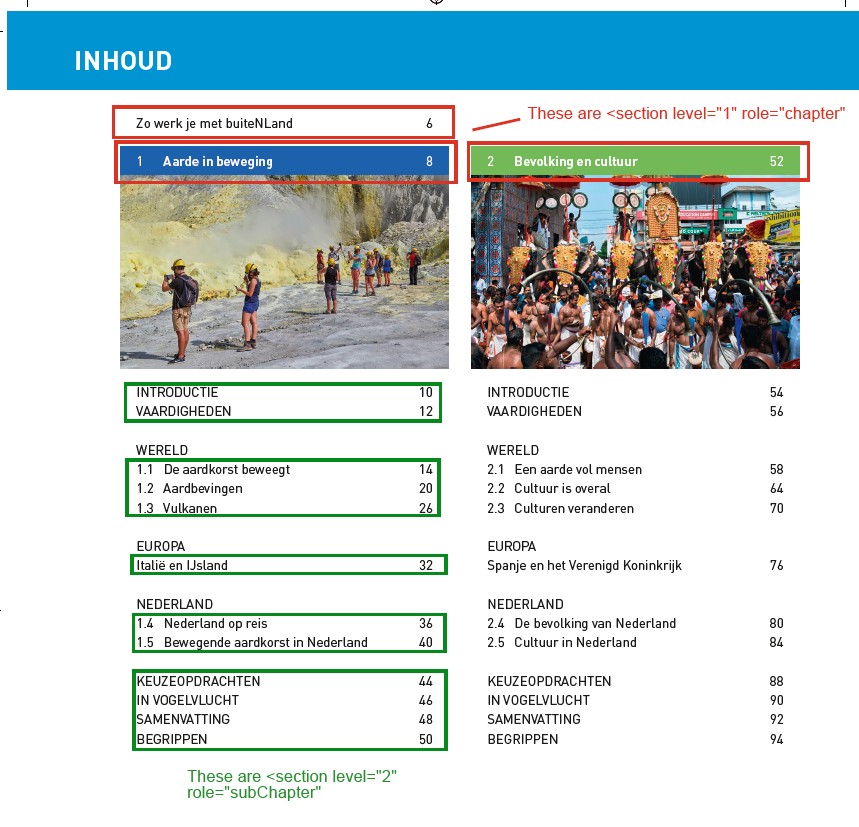
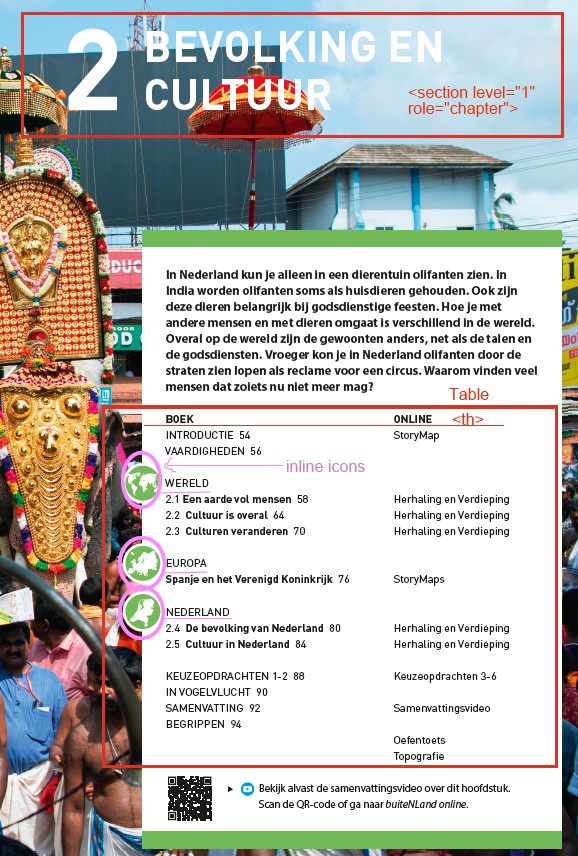
Use the table of contents to determine the sectioning structure. See Sectioning for more information.
Example:
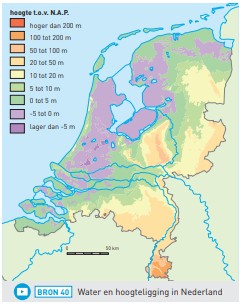
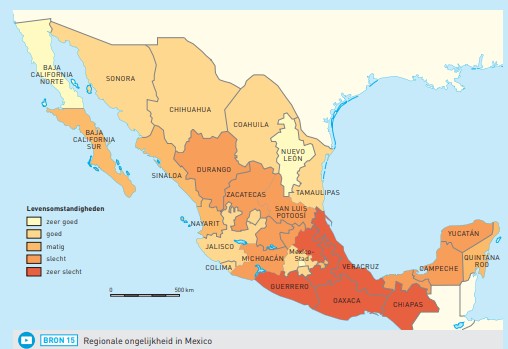
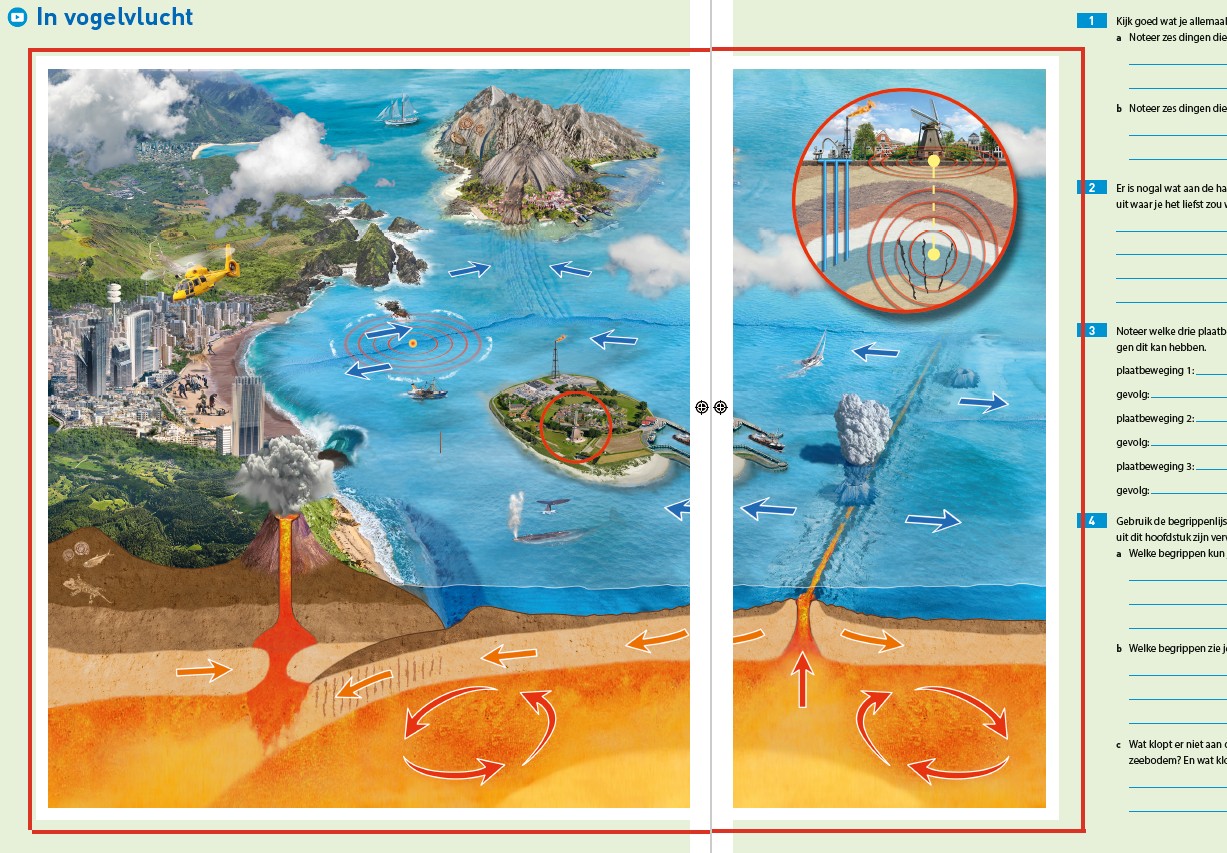
Please process images that span two pages as a single image and place it on the first page where it appears. Examples:
Mark up the following page as a <hd level=”2″> and <input type=”textarea”/>
Frames and Asides
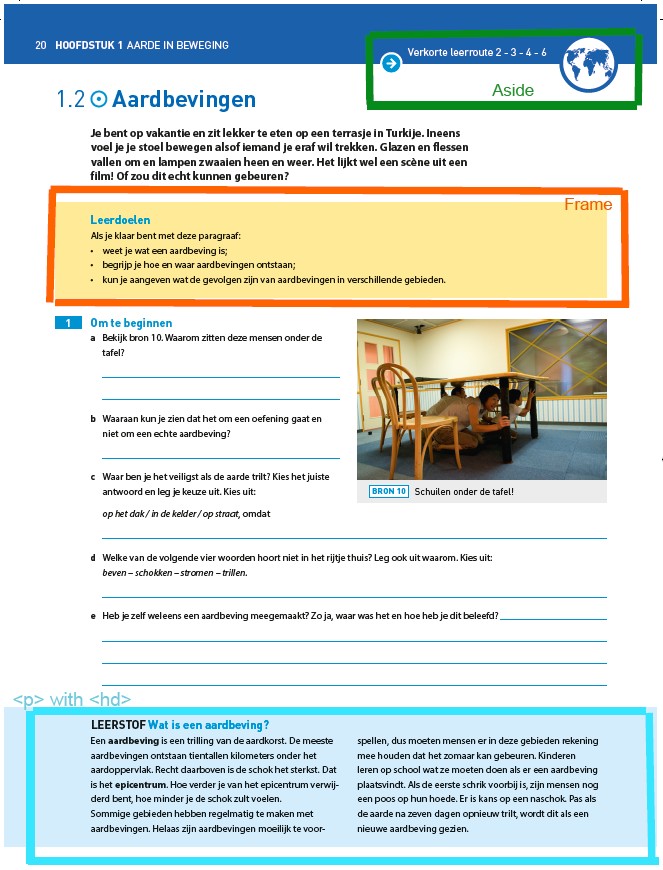
- Process the text in the topright corner as an aside.
- Process yellow boxes as frames.
- Process blue boxes as text with a heading. These blue boxes are NOT part of the assessment!
<section level="2" role="subChapter">
<page id="page-20">20</page>
<hd level="2"><number>1.2</number><img src="/img/icon.jpg" alt="" role="informative"/>Aardbevingen</hd>
<aside><img src="/img/icon.jpg" alt="" role="informative"/>Verkorte leerroute 2-3-4-6<img src="/img/icon.jpg" alt="" role="informative"/></aside>
<p>..... </p>
<frame>
<title>Leerdoelen</title>
.....
</frame>
<assessment>
<p><number>1</number> Om te beginnen</p>
<p><number>a</number> Bekijk bron 10. Waarom zitten deze mensen onder de tafel?</p>
<input type="textarea"/>
.....
</assessment>
<hd>LEERSTOF Wat is een aardbeving?</hd>
<p>.....</p>
Assessments
See the Assessments page for more information.
Process these colored blocks as assessments. The blue text is the title of each assessment.
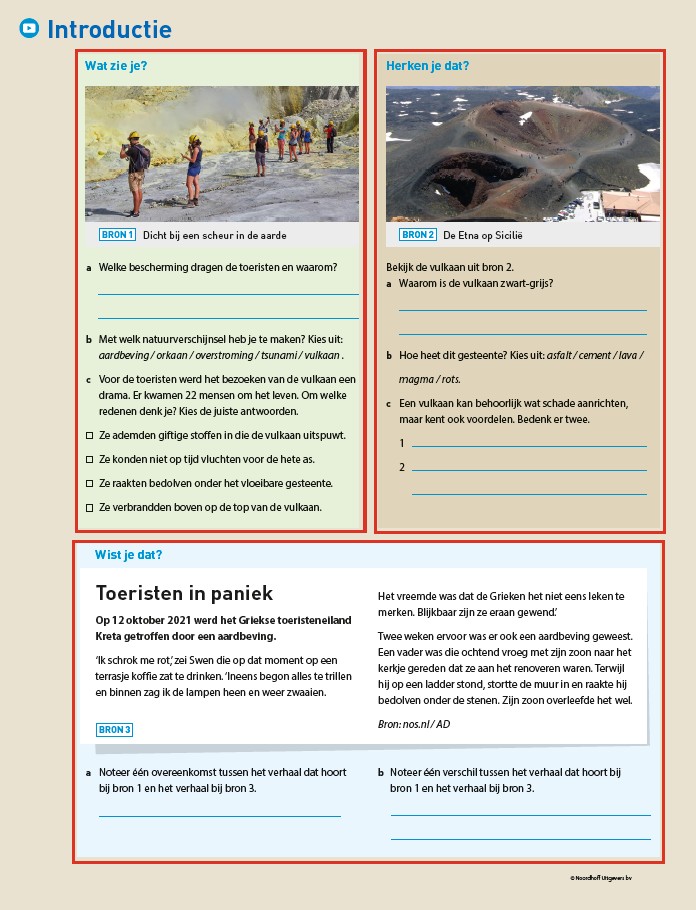
....
<assessment>
<title>Wist je dat?</title>
<frame>
<title>Bron 3</title>
<hd>Toeristen in paniek</hd>
<p fontStyles="bold">Op 12 oktober 2021 werd....</p>
....
<source>Bron:nos.nl/AD</source>
</frame>
<p><number>a</number> Noteer....</p>
<input type="text"/>
<p><number>b</number> Noteer....</p>
<input type="textarea"/>
Process match questions as images. You can recognize match questions by the black dots.
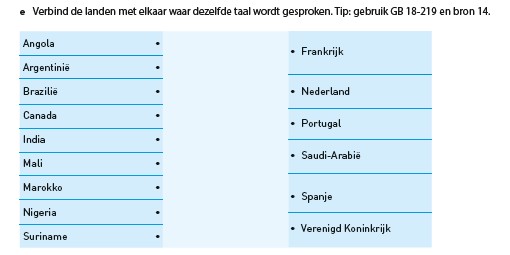
<assessment>
  ...
<p><number>e</number> Verbind de landen met elkaar waar dezelfde taal wordt gesproken. Tip: gebruik GB 18-219 en bron 14.</p>
<img src="/img/000000-p000-1.jpg" role="informative" alt="afbeelding"/>
</assessment>
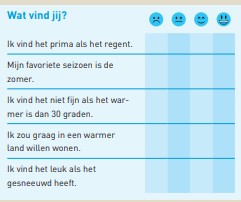
Process these as images
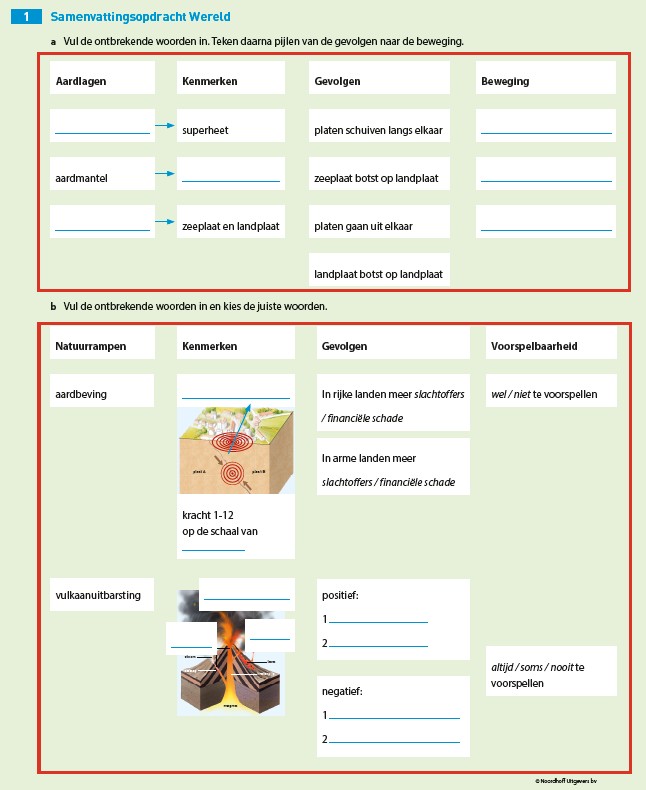
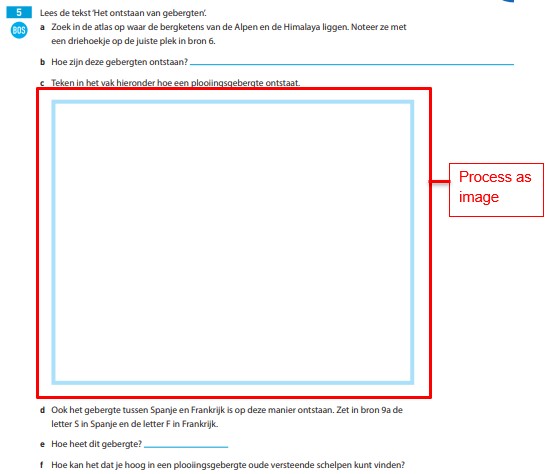
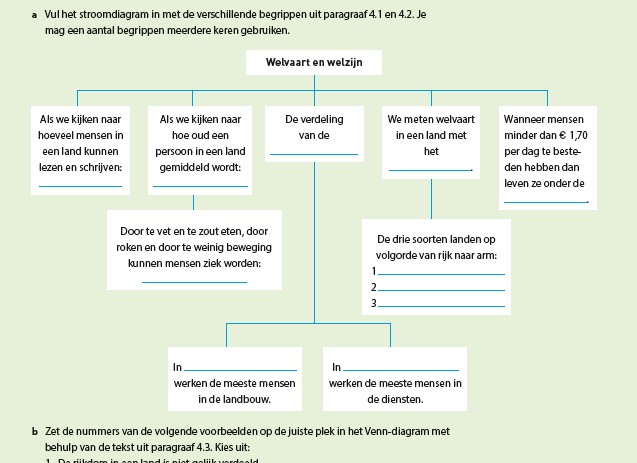
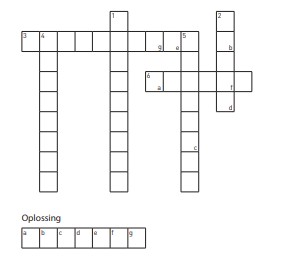
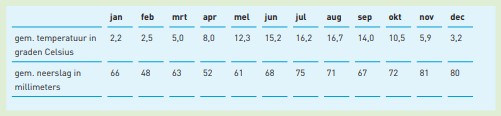
And these as tables
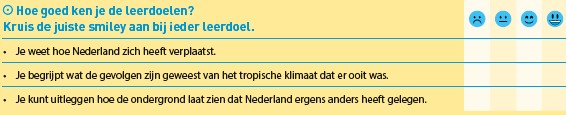
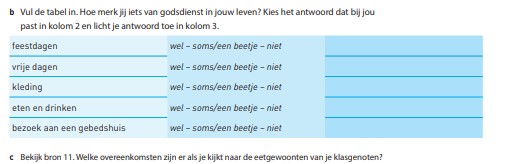
Icons
Place inline icons after the assessment number, before the text.
Example:
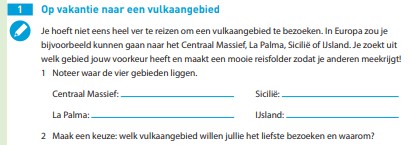
<assessment>
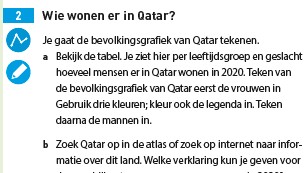
<p><number>2</number><img src="/img/icon.jpg" alt="" role="informative"></img><img src="/img/icon2.jpg" alt="" role="informative"></img>Wie wonen er in Qatar?</p>
<p>Je gaat de bevolkingsgrafiek van Qatar tekenen.</p>
<p><number>a</number> Bekijk de tabel .....</p>
.....
</assessment>
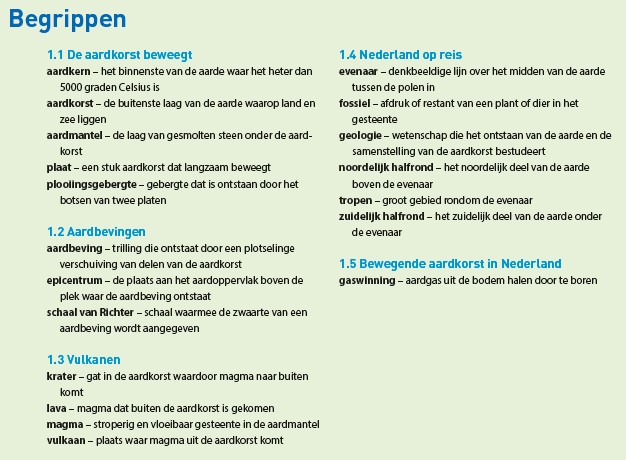
Defenition lists
See <dl> on how to format defenition lists.
Legends
Pay attention to images with legends. See Legend on how to format figures with legends.