Documentation
Elements
- <a>
- <aside>
- <assessment>
- <author>
- <backcover>
- <blockquote>
- <body>
- <bodymatter>
- <caption>
- <code>
- <cover>
- <dd>
- <dl>
- <document>
- <dt>
- <em>
- <figure>
- <figureGroup>
- <frame>
- <frontcover>
- <frontmatter>
- <hd>
- <img>
- <input>
- <jacketcopy>
- <legend>
- <li>
- <line>
- <linegroup>
- <list>
- <meta>
- <metadata>
- <note>
- <noteRef>
- <number>
- <p>
- <page>
- <poem>
- <pullquote>
- <rearmatter>
- <section>
- <source>
- <span>
- <sub>
- <subtitle>
- <sup>
- <table>
- <tbody>
- <td>
- <tfoot>
- <th>
- <thead>
- <title>
- <tr>
BVJ
8.1 / 8.2
Book structure
Follow the table of contents and chapter tocs to determine the sectioning structure. See Sectioning for more information.
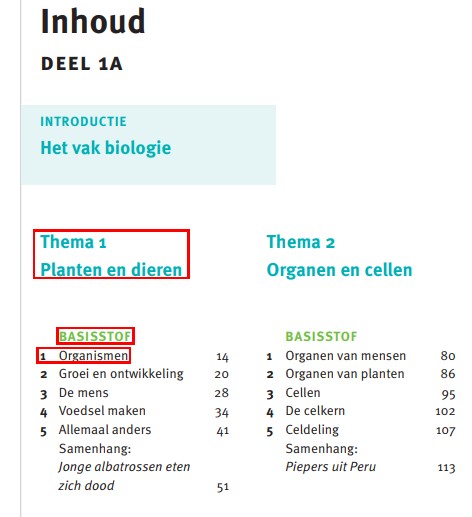
<section level="1" role="chapter">
<hd level="1"><number>1</number> Planten en dieren</hd>
...
<section level="2" role="subChapter">
<hd level="2">BASISSTOF</hd>
...
<section level="3" role="subChapter">
<hd level="3"><number>1</number> Organismen</hd>
Headings without a section
Examples
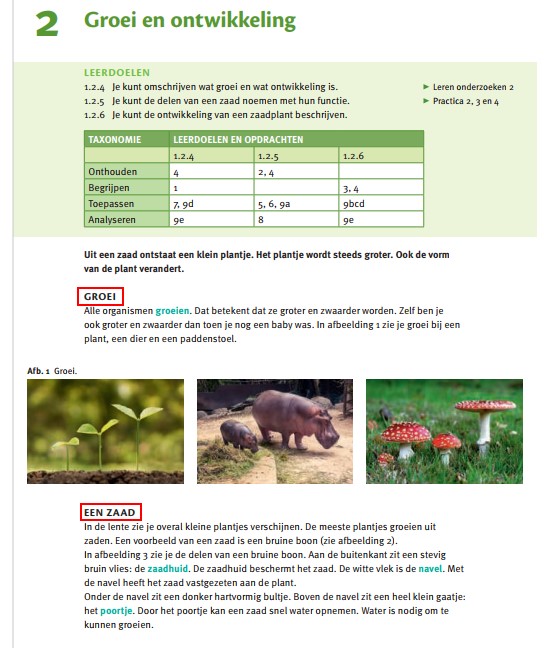
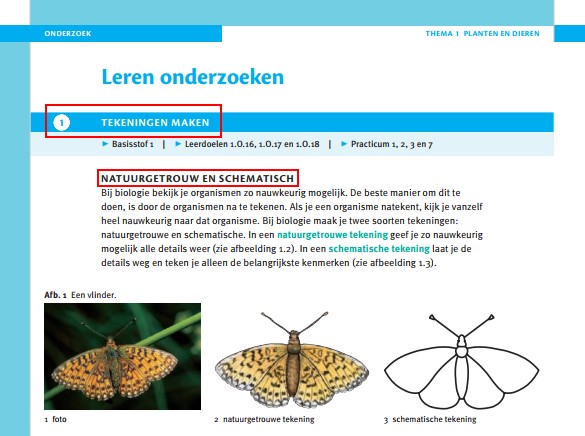
<section level="2" role="subChapter">
<hd level="2">ONDERZOEK</hd>
<section level="3" role="subChapter">
<hd level="3">Leren onderzoeken</hd>
<hd><number>1</number> TEKENINGEN MAKEN</hd>
<p>▸ Basisstof 1 | ▸ Leerdoelen 1.O.16, 1.O.17 en 1.O.18 | ▸ Practicum 1, 2, 3 en 7</p>
<hd>NATUURGETROUW EN SCHEMATISCH</hd>
Assessments
See Assessment for more information.
+ assessments

<assessment>
<p><number>+ 5</number> Je kunt je oorschelp dubbelvouwen...</p>
Drawing boxes
Process drawing boxes (the white boxes in the ‘Practicum’ sections) as image.
Input
Examples of different types of input fields. See Input for more information.
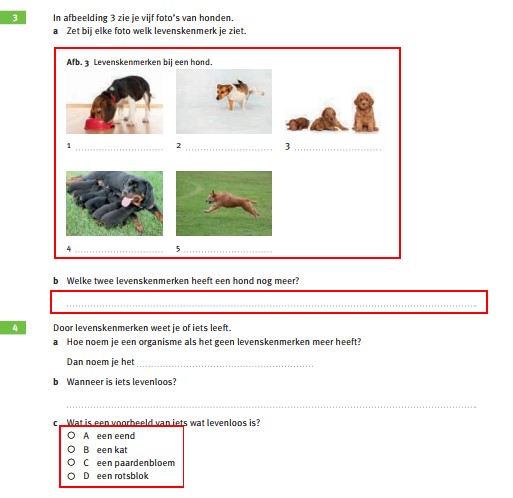
<figureGroup>
<caption>Afb. 3 Levenskenmerken bij een hond.</caption>
<figure>
<img alt="" role="informative" src="/img/000000_p000-0.jpg"/>
<caption>1 <input type="text"/></caption>
</figure>
...
<p><number>b</number> Welke twee levenskenmerken heeft een hond nog meer?</p>
<p><input type="text"/></p>
...
<p><number>c</number> Wat is een voorbeeld van iets wat levenloos is?</p>
<list type="ordered" numbering="upperCaseAlpha">
<li><input type="checkbox"/> <number>A</number> een eend</li>
<li><input type="checkbox"/> <number>B</number> een kat</li>
<li><input type="checkbox"/> <number>C</number> een paardenbloem</li>
<li><input type="checkbox"/> <number>D</number> een rotsblok</li>
</list>
<p><input type="textarea"/></p>Example with prefilled input:
<assessment>
...
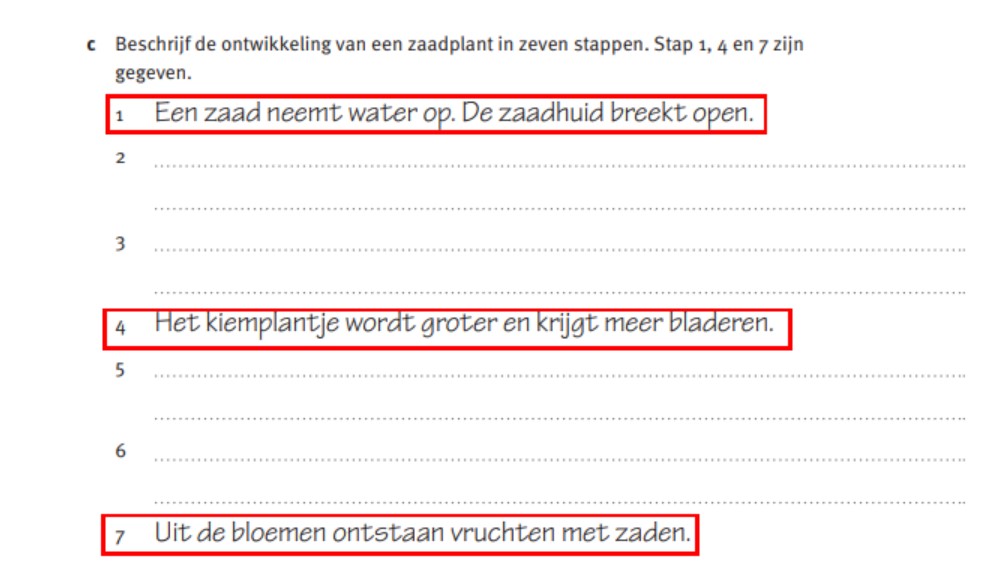
<p><number>c</number> Beschrijf de ontwikkeling van een zaadplant in zeven stappen. Stap 1, 4 en 7 zijn gegeven.</p>
<list type="ordered" numbering="decimal">
<li><number>1</number> <input prefilled="Een zaad neemt water op. De zaadhuid breekt open." type="text"/></li>
<li><number>2</number> <input type="textarea"/></li>
..
</list>
</assessment>
Frames
See frame for more information.
Examples

<frame>
<title>Afb. 3</title>
<hd>Talent><hd>
<p>Op het vmbo...kunnen werken.</p>
</frame>
Figures
In many cases, images are bundled together in a figureGroup.
Example:
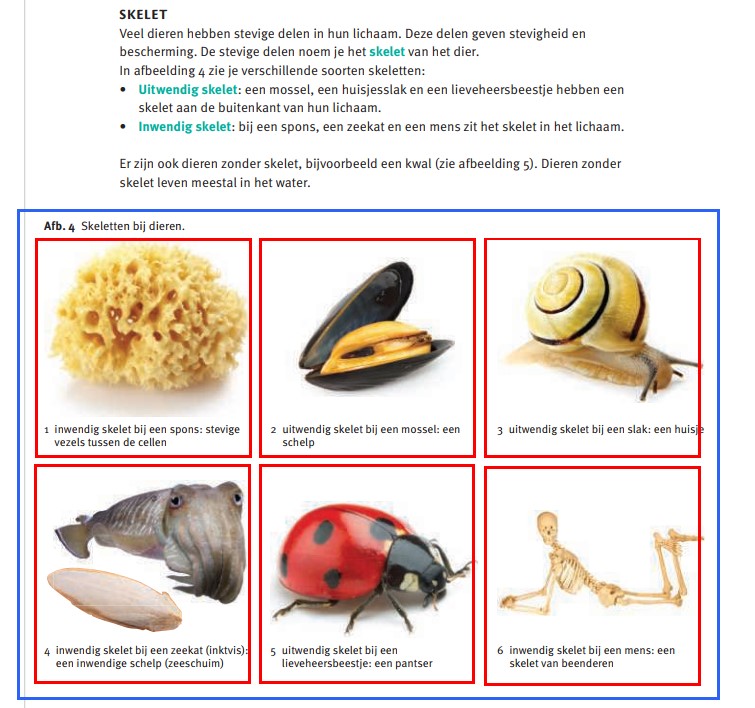
Tables
Examples:
Summary sections
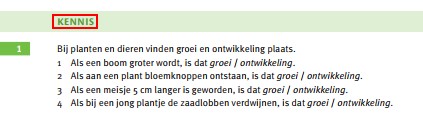
You can recognize summary sections by the title ‘Samenvatting’. Note that these sections do not contain exercises, so do not process the content as assessments. You can label summary sections as section role="summary".
Example