Documentation
Elements
- <a>
- <aside>
- <assessment>
- <author>
- <backcover>
- <blockquote>
- <body>
- <bodymatter>
- <caption>
- <code>
- <cover>
- <dd>
- <dl>
- <document>
- <dt>
- <em>
- <figure>
- <figureGroup>
- <frame>
- <frontcover>
- <frontmatter>
- <hd>
- <img>
- <input>
- <jacketcopy>
- <legend>
- <li>
- <line>
- <linegroup>
- <list>
- <meta>
- <metadata>
- <note>
- <noteRef>
- <number>
- <p>
- <page>
- <poem>
- <pullquote>
- <rearmatter>
- <section>
- <source>
- <span>
- <sub>
- <subtitle>
- <sup>
- <table>
- <tbody>
- <td>
- <tfoot>
- <th>
- <thead>
- <title>
- <tr>
Geschiedeniswerkplaats
3.0 FLEX, 4.0 FLEX
Book structure
Use the table of contents to determine the sectioning structure. See Sectioning for more information.
Example:
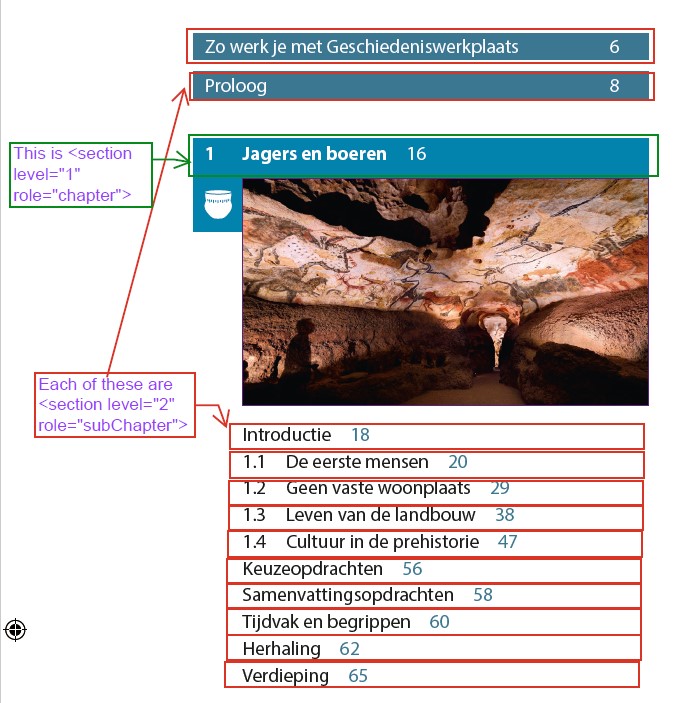
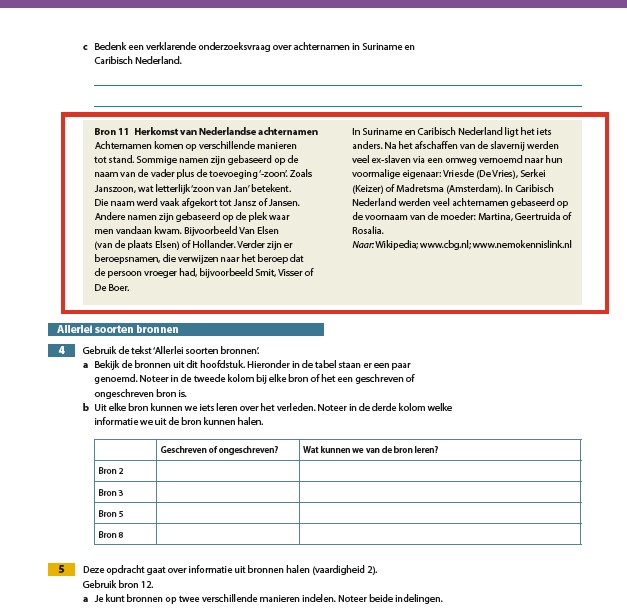
Please process headings similar to the headings in the red boxes below as <hd> without a section.
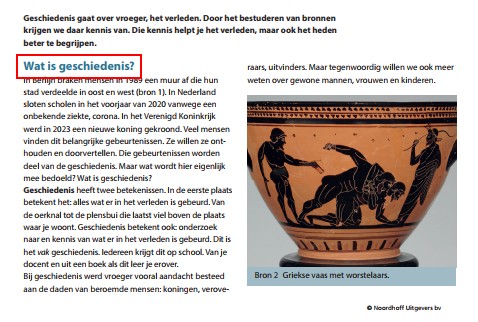
<hd>Wat is geschiedenis?</hd>
<p>In Berlijn braken mensen in ...</p>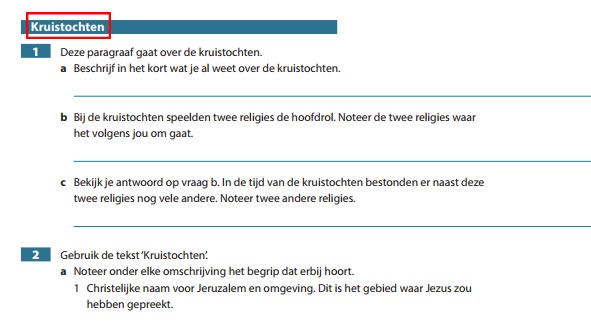
<hd>Kruistochten</hd>
<assessment>
<p><number>1</number> Deze paragraaf gaat over de kruistochten.</p>
...
</assessment>
Assessments
See the Assessments page for more information.
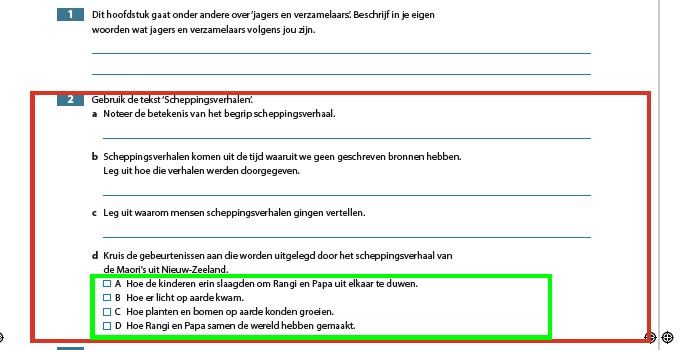
Process regular sub questions as paragraphs. Process multiple choice options as lists. Multiple choice options can be recognized by the capitalized alpha enumeration (see green box in example below):
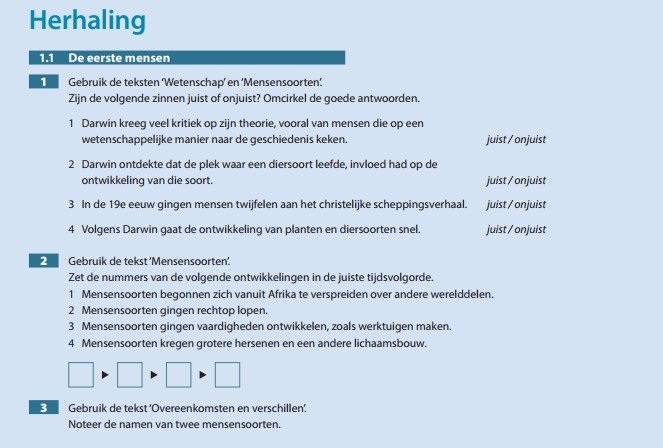
Note that excercises in ‘Herhaling‘ and ‘Verdieping‘ sections should be processed as <assessment> as well. Example:
Frames
<frame>
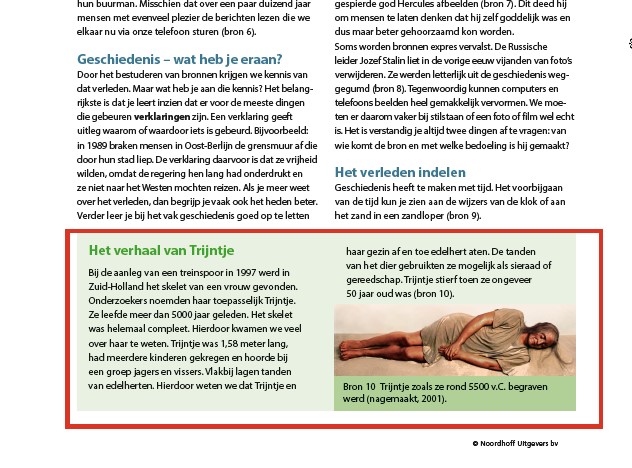
<title>Het verhaal van Trijntje</hd>
<p>Bij de aanleg van een treinspoor.... 50 jaar oud was (bron 10).
<figure>
<img alt="" role="informative" src="/img/000000_p000-0.jpg"/>
<caption>Bron 10 Trijntje zoals ze rond 5500 v.C. begraven werd (nagemaakt, 2001).</caption>
</figure>
</frame>
Icons
The icons that you encounter throughout the book should be processed as inline image. They do not have to be replaced by a text alternative. See Icons for more information.
Example of inline icon, inside the caption of a figure:
<figure>
<img alt="" role="informative" src="/img/000000_p000-0.jpg"/>
<caption>Bron 4 Middeleeuwse bibliotheek met boekrollen. <img alt="" role="informative" src="/img/000000_p000-1.jpg"/></caption>
</figure>
Timelines
There are horizontal timelines in the book. Please process each as a single image and place it on the first page where it appears.
Example:
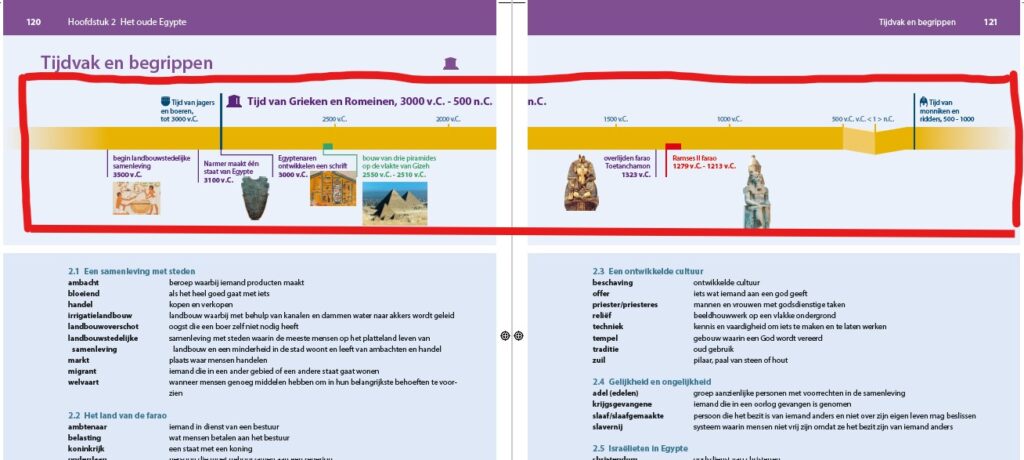
<section level="2" role="SubChapter">
<page id="page-120">120</page>
<hd level="2">Tijdvak en begrippen</hd>
<figure>
<img alt="" role="informative" src="/img/000000_p000-2.jpg"/>
</figure>
<hd>2.1 Een samenleving met steden</hd>
<dl>
  <dt>ambacht</dt>
  <dd>beroep waarbij iemand producten maakt</dd>
  <dt>bloeiend</dt>
  <dd>als het heel goed gaat met iets</dd>
   ...
</dl>
   ...
<page id="page-121">121</page>
<hd>2.3 een ontwikkelde cultuur</hd>
<dl>
  <dt>beschaving</dt>
  <dd>ontwikkelde cultuur</dd>
  <dt>offer</dt>
  <dd>iets wat iemand aan een god geeft</dd>
   ...
</dl>
Example of pages with a lot of visual information/images. Process as one image per page:
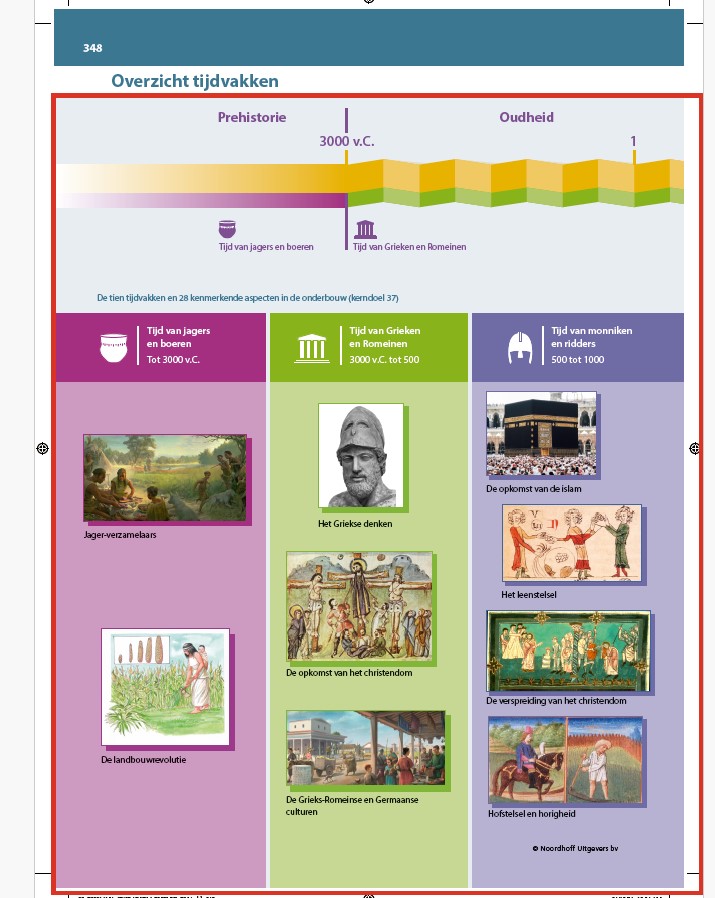
<section level="2" role="SubChapter">
<page id="page-348">348</page>
<hd level="2">Overzicht tijdvakken</hd>
<figure>
<img alt="" role="informative" src="/img/000000_p000-0.jpg"/>
</figure>