Documentation
Elements
- <a>
- <aside>
- <assessment>
- <author>
- <backcover>
- <blockquote>
- <body>
- <bodymatter>
- <caption>
- <code>
- <cover>
- <dd>
- <dl>
- <document>
- <dt>
- <em>
- <figure>
- <figureGroup>
- <frame>
- <frontcover>
- <frontmatter>
- <hd>
- <img>
- <input>
- <jacketcopy>
- <legend>
- <li>
- <line>
- <linegroup>
- <list>
- <meta>
- <metadata>
- <note>
- <noteRef>
- <number>
- <p>
- <page>
- <poem>
- <pullquote>
- <rearmatter>
- <section>
- <source>
- <span>
- <sub>
- <subtitle>
- <sup>
- <table>
- <tbody>
- <td>
- <tfoot>
- <th>
- <thead>
- <title>
- <tr>
Nieuw Nederlands Junior Spelling
Basic Structure
Use the table of contents at the beginning of the book to determine the basic structure.
If present, include the text in the blue box in the heading.

<section level="2"> <hd level="2">Week 1 Les 3: Dictee</hd> ....</section>
Frames and Asides
Process text on a different background colour in a frame.
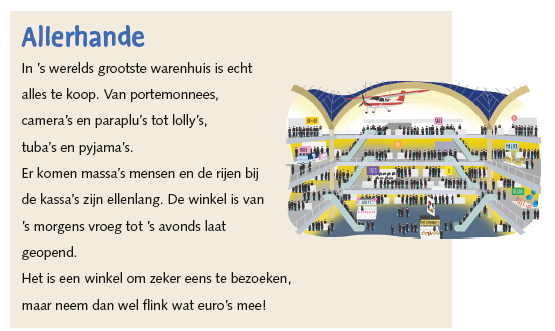
Text surrounded by a grey border with a tag that says ‘Uitleg’ should be put in a frame.

Text surrounded by a grey border with a blue tag that says ‘Weet je nog’ should be put in an aside.

Icons and Images
Pay attention to inline icons. See Images Archives – MONET for more info.
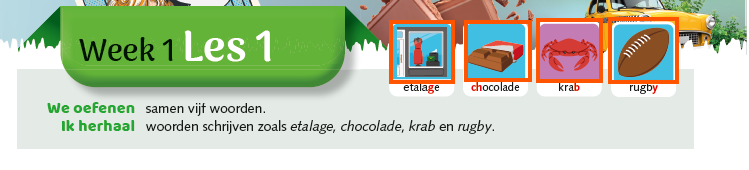
Assessments
See Assessments – MONET for more info.
Put these types of exercises in a table.
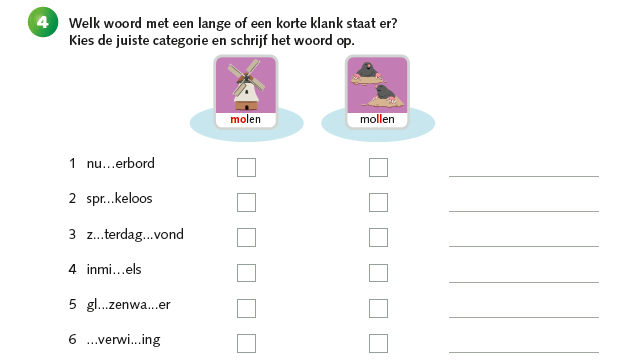
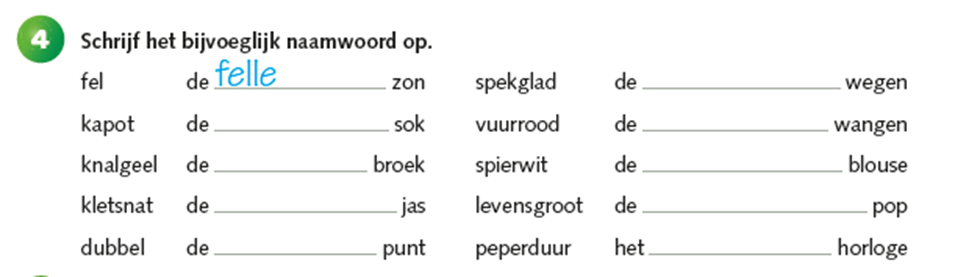
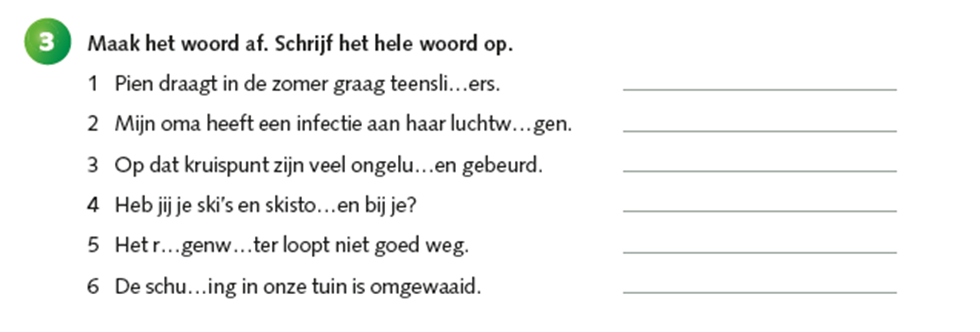
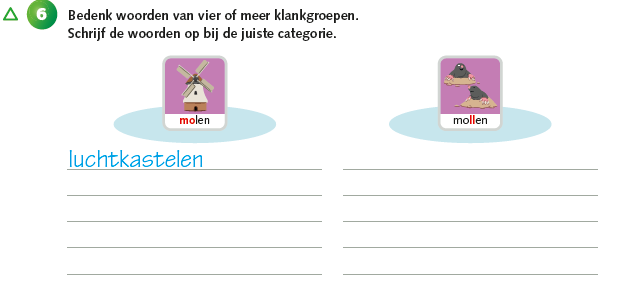
Words in boxes can be put in a list.

The following exercises has two boxes with words, so there should be two list items.
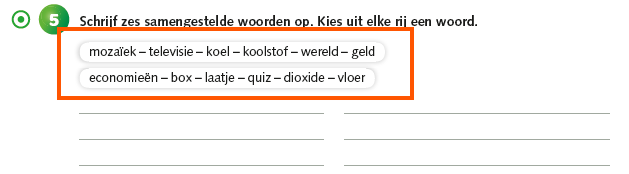
<list type="unordered" bullet="none"> <li>mozaïek - televisie - koel - koolstof - wereld - geld</li> <li>economieën - box - laatje - quiz - dioxide - vloer</li></list>Capture multiple images in <figureGroup> with input fields in the captions.
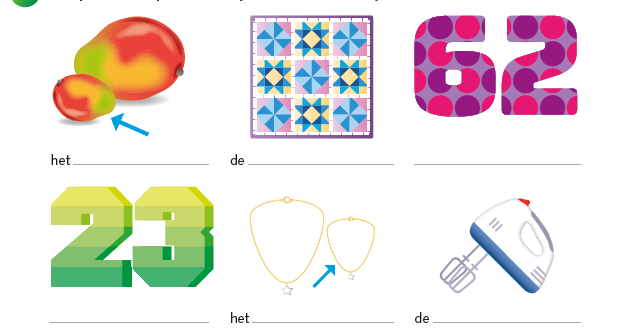
Text
Process circled words as bold text.
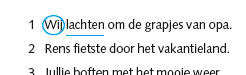
The red letters in the caption should be processed as bold.