Documentation
Elements
- <a>
- <aside>
- <assessment>
- <author>
- <backcover>
- <blockquote>
- <body>
- <bodymatter>
- <caption>
- <code>
- <cover>
- <dd>
- <dl>
- <document>
- <dt>
- <em>
- <figure>
- <figureGroup>
- <frame>
- <frontcover>
- <frontmatter>
- <hd>
- <img>
- <input>
- <jacketcopy>
- <legend>
- <li>
- <line>
- <linegroup>
- <list>
- <meta>
- <metadata>
- <note>
- <noteRef>
- <number>
- <p>
- <page>
- <poem>
- <pullquote>
- <rearmatter>
- <section>
- <source>
- <span>
- <sub>
- <subtitle>
- <sup>
- <table>
- <tbody>
- <td>
- <tfoot>
- <th>
- <thead>
- <title>
- <tr>
Op niveau
LRN-line
Book structure
Use the table of contents to determine the sectioning structure. See Sectioning for more information.
- Process the headings in the table of contents as a new section:
<section level="1" role="chapter">
<hd level="1"<number>1</number> Mensen in verhalen</hd>
- Process the headings that follow with:
<section level="2" role="subChapter">
<hd level="2">Inleiding</hd>
- Process smaller headings as follows:
<section level="2" role="subChapter">
<hd level="2"><number>1.2</number> Duik in een verhaal</hd>
<frame>
...
</frame>
<section level="3" role="subChapter">
<hd level="3">Lekker lezen</hd>
Assessments
See Assessments for more information.
Process example below and similar assessments as follows:
<assessment>
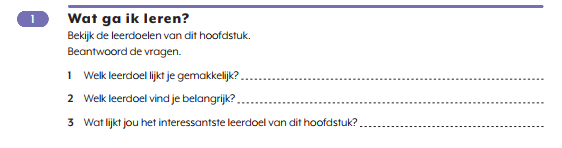
<title><number>1</number> Wat ga ik leren?</title>
<p>Bekijk de leerdoelen van dit hoofdstuk.</p>
<p>Beantwoord de vragen.</p>
<p type="precedingEmptyLine"><number>1</number> Welk leerdoel lijkt je gemakkelijk?<input type="text"/></p>
<p><number>2</number> Welk leerdoel vind je belangrijk? <input type="text"/></p>
<p><number>3</number> Wat lijkt jou het interessantste leerdoel van dit hoofdstuk? <input type="text"/></p>
</assessment>
Frames
- Process (colored) blocks into <frame>, placing the red underlined words or numbers in <title> (see examples below):
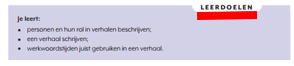
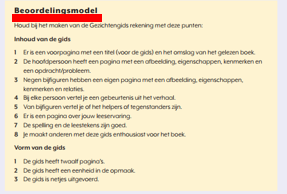
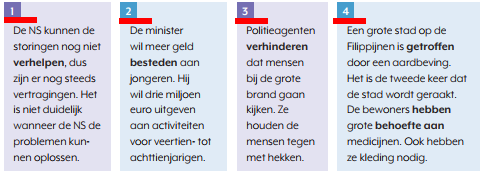
- Don’t use <frame> in cases of word lists (see below). Process these words in a <list>, using bullets=”dash”.

Numbers
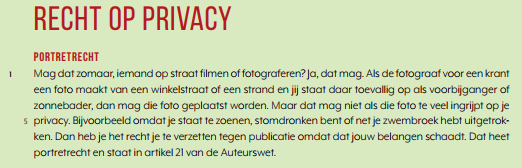
Use <linegroup> and <line> in case of texts with paragraph- and linenumbers.
Process paragraphnumbers within <line> without use of <number>. Process line numbers with <number> within <line>.
…
<linegroup>
<line>1 Mag dat zomaar …</line>
<line>…</line>
<line>…</line>
…
<line><number>5</number> … </line>
</linegroup>
Tables
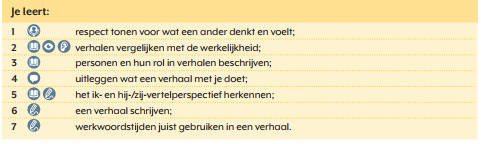
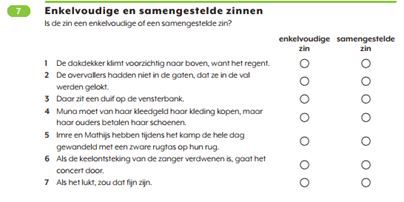
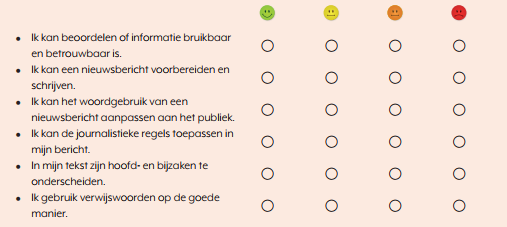
Process information below and similar in <table>:
Images/Figures
- Process the following symbols as inline images:


- Process these QR-codes (see below) within <figure> with <caption>:
<figure>
<img alt="" role="" src=""/>
<caption>fragment <number>1</number></caption>
</figure>

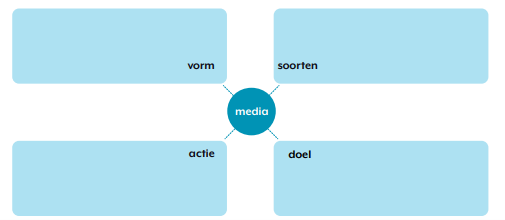
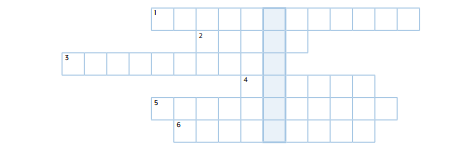
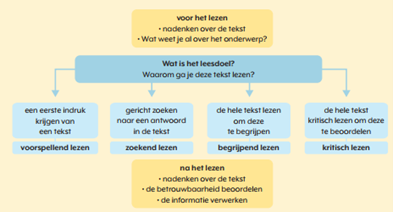
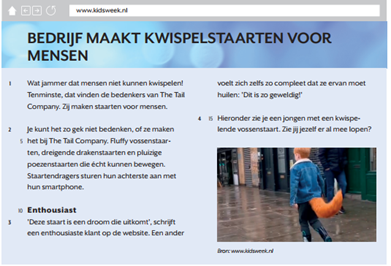
- Process the following screenshots/assessements/puzzles/information boxes and similar in <figure>: