Documentation
Elements
- <a>
- <aside>
- <assessment>
- <author>
- <backcover>
- <blockquote>
- <body>
- <bodymatter>
- <caption>
- <code>
- <cover>
- <dd>
- <dl>
- <document>
- <dt>
- <em>
- <figure>
- <figureGroup>
- <frame>
- <frontcover>
- <frontmatter>
- <hd>
- <img>
- <input>
- <jacketcopy>
- <legend>
- <li>
- <line>
- <linegroup>
- <list>
- <meta>
- <metadata>
- <note>
- <noteRef>
- <number>
- <p>
- <page>
- <poem>
- <pullquote>
- <rearmatter>
- <section>
- <source>
- <span>
- <sub>
- <subtitle>
- <sup>
- <table>
- <tbody>
- <td>
- <tfoot>
- <th>
- <thead>
- <title>
- <tr>
Staal Spelling
Basic structure
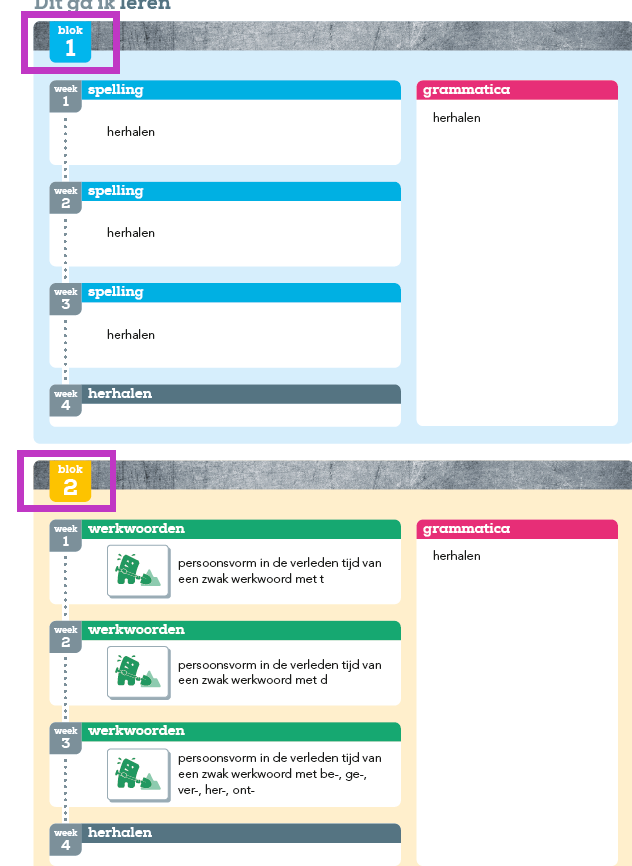
Use the table of contents and the colored pages to determine the structure.
Icons
Pay attention to icons. This book has a lot of them.


Frames
Process the following as one frame with the title grammatica.
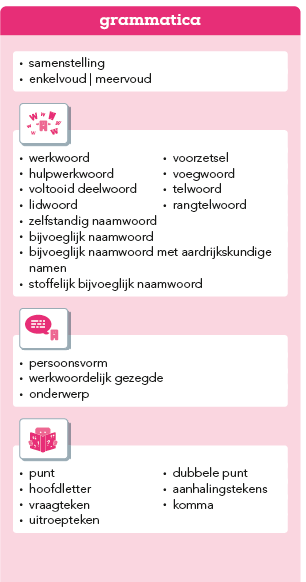
- The following are frames
Lists
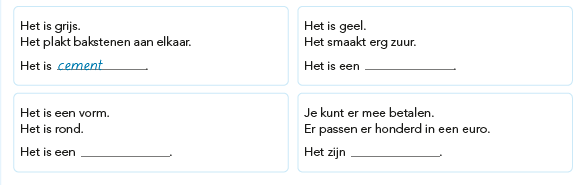
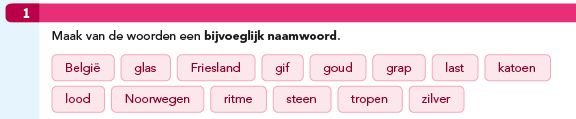
Words in boxes like the following can be marked up as a list.
Tables
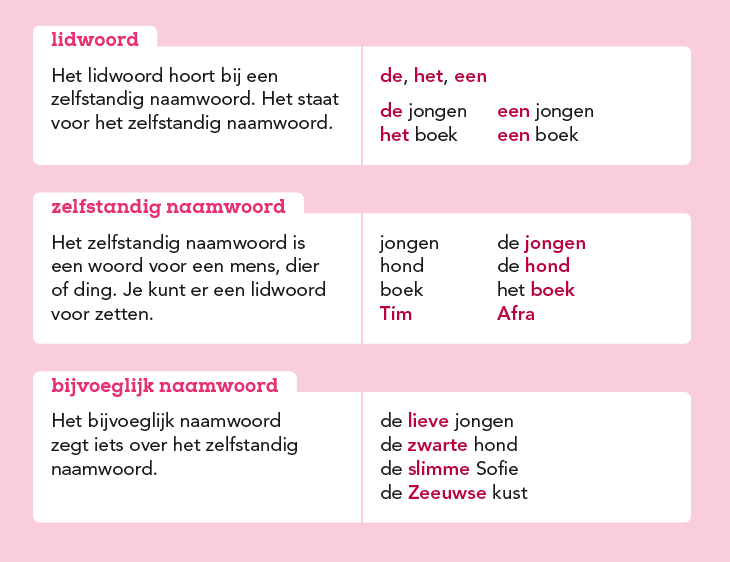
These are tables:
Assessments
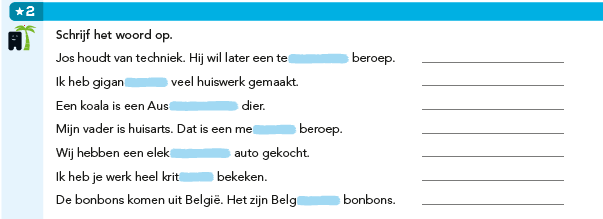
- Process assessment below and similar as a
<list>with a colon after the first word, as follows:
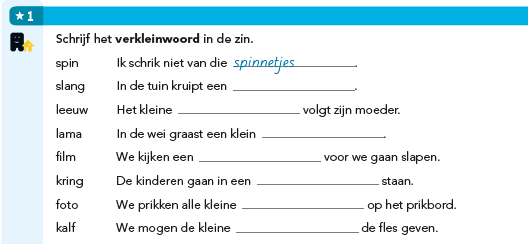
<assessment><p fontStyles="bold"><img alt="" role="informative" src="/...jpg"/><number>1</number> Schrijf het verkleinwoord op.</p>
<list type="unordered" bullet="none">
<li>spin: Ik schrik van die <input type="text"/>.</li>
<li>slang: in de tuin kruipt een <input type="text"/>.</li>
...
</list>
</assessment>
- The blue areas are <
input type="text"/>,