Documentation
Elements
- <a>
- <aside>
- <assessment>
- <author>
- <backcover>
- <blockquote>
- <body>
- <bodymatter>
- <caption>
- <code>
- <cover>
- <dd>
- <dl>
- <document>
- <dt>
- <em>
- <figure>
- <figureGroup>
- <frame>
- <frontcover>
- <frontmatter>
- <hd>
- <img>
- <input>
- <jacketcopy>
- <legend>
- <li>
- <line>
- <linegroup>
- <list>
- <meta>
- <metadata>
- <note>
- <noteRef>
- <number>
- <p>
- <page>
- <poem>
- <pullquote>
- <rearmatter>
- <section>
- <source>
- <span>
- <sub>
- <subtitle>
- <sup>
- <table>
- <tbody>
- <td>
- <tfoot>
- <th>
- <thead>
- <title>
- <tr>
Taaljacht Spelling/Grammatica
Book structure
New sections are introduced by headings at the top of a page.

<section level="1" role="introduction">
<hd level="1">ROADMAP</hd>
Process last example, and similar headings, as follows:
<section level="1" role="chapter">
<hd level="1">Blok 7 - Les 1 - Grammatica</hd>
Rotated pages
Similar books are divided in two halfs: not rotated and rotated pages.
Process each half within seperate <publication>
Process page of first half as follows:
<page id="page-2a">2</page>Process page of second half as follows:
<page id="page-2b">2</page>Process the front- and backcover only in the first <publication> of the book, not in the second <publication>.
Figures/Images
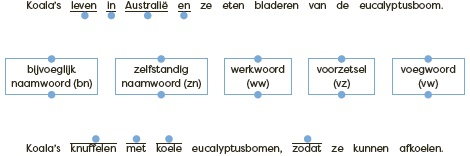
Matching questions
Process matching questions in <figure>. See Assessment with matching question for more information.
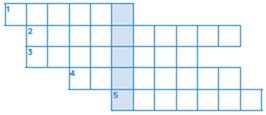
Puzzles
Process puzzles in <figure>. See Puzzles for more information.
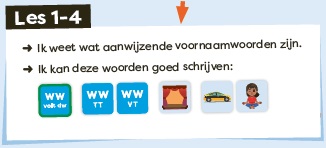
Icons
Process individual icons within <img>.



Frames
Boxed text
Process (colored) boxed text within <frame>. See examples below (and similar):
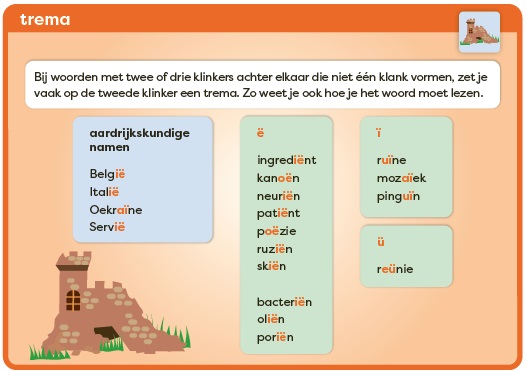
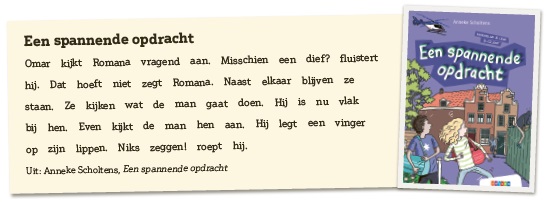
Assessments
Process assessments within <frame>, as follows:
<frame>
<title></title>
<assessment>
...
</assessment>
</frame>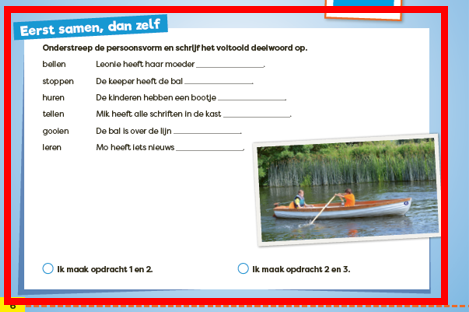
List
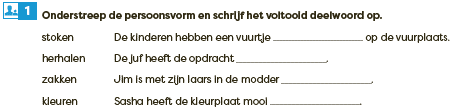
- Process assessment below and similar as a
<list>with a colon after the first word, as follows:
<assessment><title fontStyles="bold"><img alt="" role="informative" src="/...jpg"/><number>1</number> Onderstreep de persoonsvorm en schrijf het voltooid deelwoord op.</title>
<list type="unordered" bullet="none">
<li>stoken: De kinderen hebben een vuurtje <input type="text"/> op de vuurplaats</li>
<li>herhalen: De juf heeft de opdracht <input type="text"/></li>
...
</list>
</assessment>
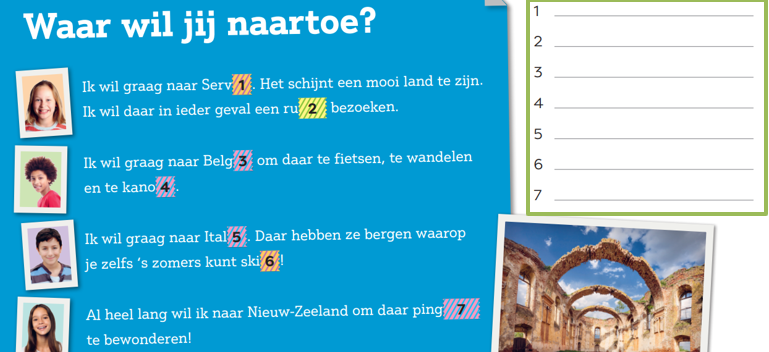
- Process in the following example and similar the words in boxes in a <list>:

Tables
Process examples below and similar with <table>:
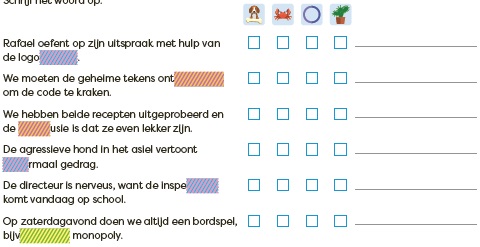
Input
Prefilled input
Process prefilled input fields as follows:
See for more information Input.
<assessment>
<title fontStyles="bold"><img alt="" role="informative" src="/...jpg"/><number>4</number> Schrijf de zin op in de voltooide tijd.</title>
<p>Bedenk de laatste zin met <em fontStyles="italic">merken</em> zelf.</p>
<table>
<tr>
<td>beschermen</td>
<td>Hannah beschermt zichzelf tegen de felle zon</td>
</tr>
<tr>
<td></td>
<td>Hannah <input type="text" prefilled="heeft zichzelf beschermd tegen de felle zon."/></td>
</tr>
...
</table>
</assessment>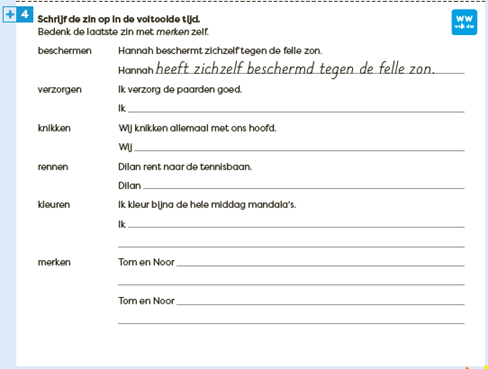
Input with colored blocks
- When there is no numbering in the colored blocks, you can leave out the inputfields on the right side.
Please use inputfields for the colored blocks in this case and similar.
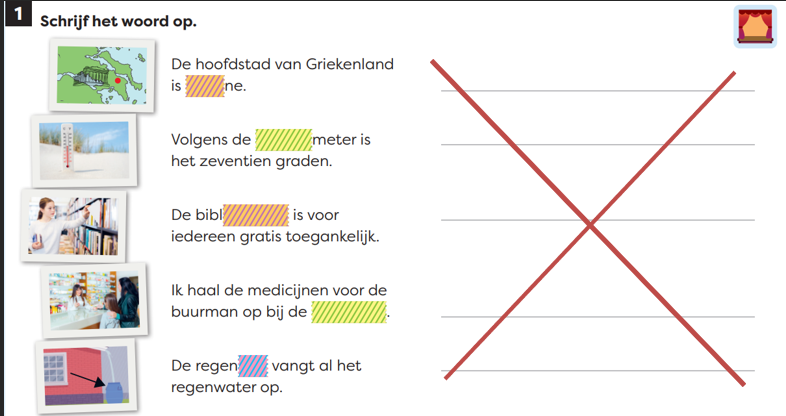
- When there is a numbering in the colored blocks, you put the number within the text (bold, if needed), and you use the inputfields on the right side.
In this case and similar you don’t use inputfields for the colored blocks.