Documentation
Elements
- <a>
- <aside>
- <assessment>
- <author>
- <backcover>
- <blockquote>
- <body>
- <bodymatter>
- <caption>
- <code>
- <cover>
- <dd>
- <dl>
- <document>
- <dt>
- <em>
- <figure>
- <figureGroup>
- <frame>
- <frontcover>
- <frontmatter>
- <hd>
- <img>
- <input>
- <jacketcopy>
- <legend>
- <li>
- <line>
- <linegroup>
- <list>
- <meta>
- <metadata>
- <note>
- <noteRef>
- <number>
- <p>
- <page>
- <poem>
- <pullquote>
- <rearmatter>
- <section>
- <source>
- <span>
- <sub>
- <subtitle>
- <sup>
- <table>
- <tbody>
- <td>
- <tfoot>
- <th>
- <thead>
- <title>
- <tr>
Taaljacht Taal
Book structure
New sections are introduced by headings at the top of a page.




Process last example, and similar headings, as follows:
<section level="1" role="chapter">
<hd level="1">Les 1-2-3 - Woordenlijst</hd>
Rotated pages
Similar books are divided in two halfs: not rotated and rotated pages.
Process each half within seperate <publication>
Process page of first half as follows:
<page id="page-2a">2</page>Process page of second half as follows:
<page id="page-2b">2</page>
Process the front- and backcover only in the first <publication> of the book, not in the second <publication>.
Frames
Process following assessments and information boxes (or similar) within <frame>.
- 1. Process as an
<assessment>with<input>within<frame>
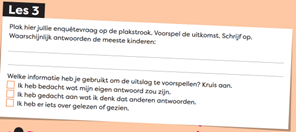
- 2. Process in
<frame>with use of<input>(checkboxes) to denote the three different options.
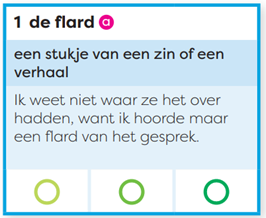
- 3. Process text ballooning and other text in
<frame>with <p>.
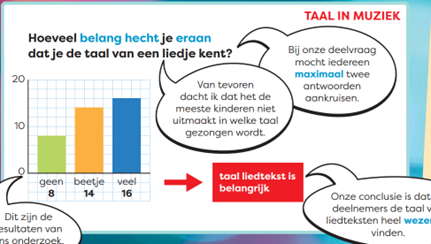
- 4. Process the boxed word groups in a <
list>within<frame>, as follows:
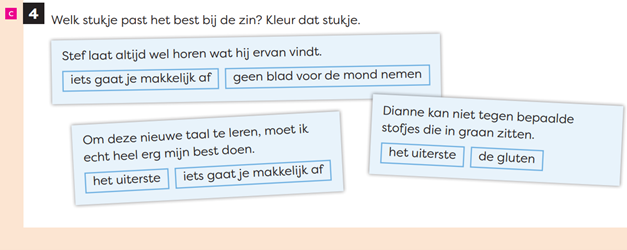
<assessment><title>c<number>4</number> Welk stukje past het beste bij de zin? Kleur dat stukje</title>
<frame>
<p>Stef laat altijd wel horen wat hij ervan vindt</p>
<list type="unordered" bullet="none">
<li>iets gaat je makkelijk af</li>
<li>geen blad voor de mond nemen</li>
</frame>
...
</assessment>
- 5. Don’t use
<frame>in<frame>, but only use one<frame>in the following example and similar:
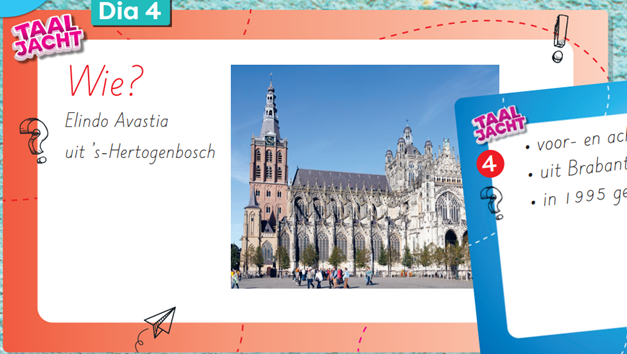
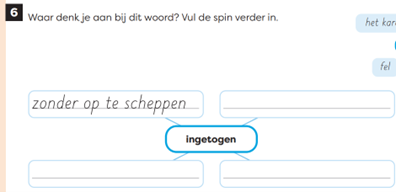
- 6. Don’t use
<frame>in the following and similar example, but process it in a<table>
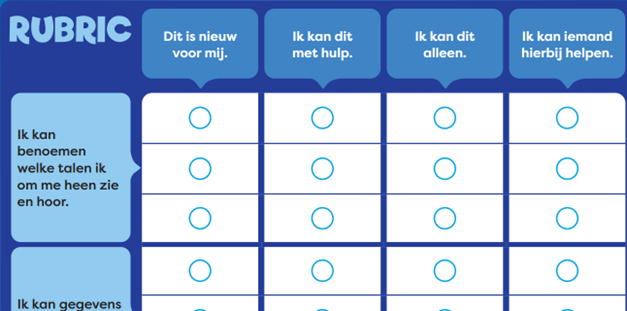
Table
Process examples below and similar in a <table>
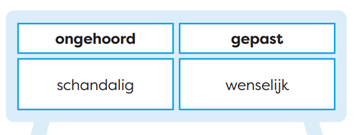
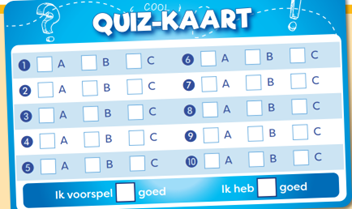
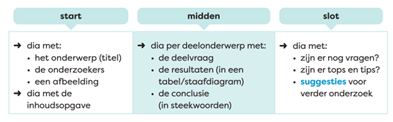
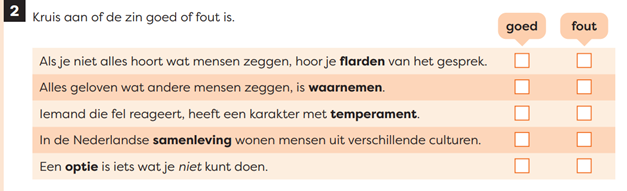
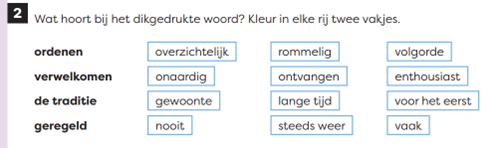
List
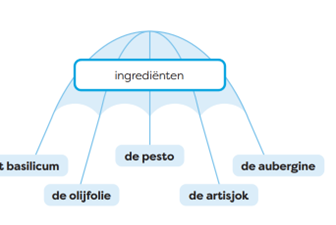
- 1. Process in the following example and similar the words in boxes in a
<list>:
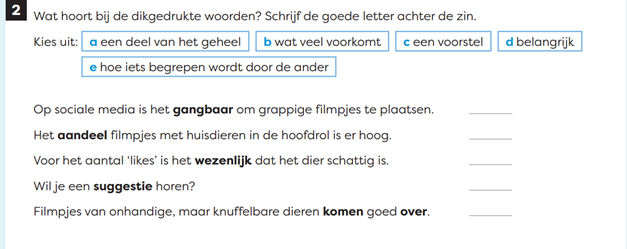
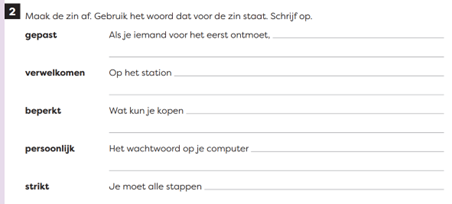
- 2. Process assessment below and similar as a
<list>with a colon after the bold words, as follows:
<assessment><title><number>2</number> Maak de zin af. Gebruik het woord dat voor de zin staat. Schrijf op.</title>
<list type="unordered" bullet="none">
<li><em fontStyles="bold">(a) gepast:</em> Als je iemand voor het eerst ontmoet, <input type="text"/></li>
<li><em fontStyles="bold">verwelkomen:</em> Op het station <input type="text"/></li>
...
</list>
</assessment>
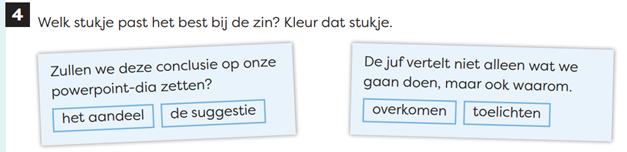
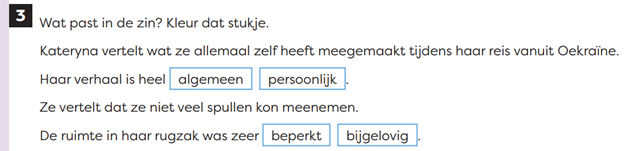
- 3. Process words in boxes (see examples below and similar) in a
<list>.
NB: Don’t put these words in boxes in a<list>when it is positioned in a table, see example in section “tables” above.
Numbers
- Process paragraph numbers within the text, for example:
<p><number>1</number> Denk na ...</p>
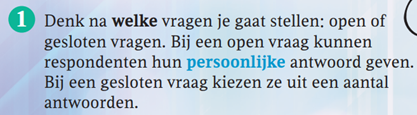
- Don’t process number of assessment in
<title>, but use<p>instead.
For example:
<assessment>
<p><number>1</number> a Welke verschillende talen hoor of zie jij op deze plaatsen? Schrijf op.</p>
...

Definition lists
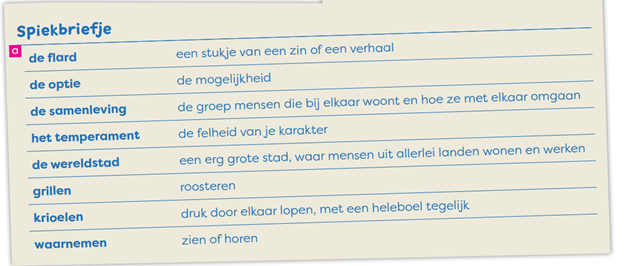
Process example below as a definition list within <frame>.
<frame>
<title>Spiekbriefje</title>
<dl>
<dt>(a) de flard</dt>
<dd>een stukje van een zin of een verhaal</dd>
<dt>de optie</dt>
<dd>de mogelijkheid</dd>
...
</dl>
</frame>
Icons
Process the pink and the + icons as an inline image.




Figures/images
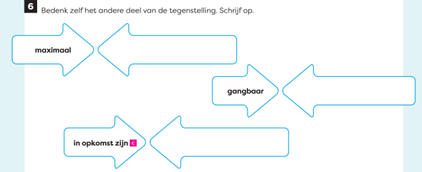
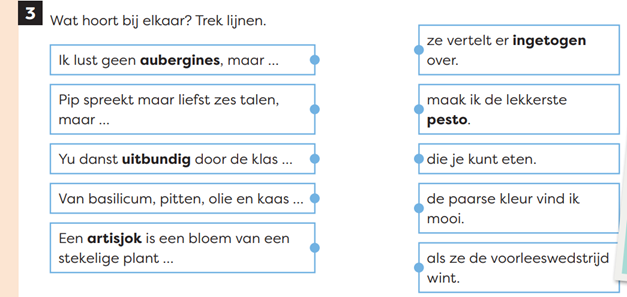
- 1. Process matching questions as an image:
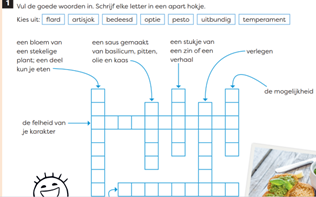
- 2. Puzzles and accompanying instructions are processed as images:
- 3. Process assessments below and similar as an image: