Documentation
Elements
- <a>
- <aside>
- <assessment>
- <author>
- <backcover>
- <blockquote>
- <body>
- <bodymatter>
- <caption>
- <code>
- <cover>
- <dd>
- <dl>
- <document>
- <dt>
- <em>
- <figure>
- <figureGroup>
- <frame>
- <frontcover>
- <frontmatter>
- <hd>
- <img>
- <input>
- <jacketcopy>
- <legend>
- <li>
- <line>
- <linegroup>
- <list>
- <meta>
- <metadata>
- <note>
- <noteRef>
- <number>
- <p>
- <page>
- <poem>
- <pullquote>
- <rearmatter>
- <section>
- <source>
- <span>
- <sub>
- <subtitle>
- <sup>
- <table>
- <tbody>
- <td>
- <tfoot>
- <th>
- <thead>
- <title>
- <tr>
Stepping Stones
7.1 FLEX
Book structure
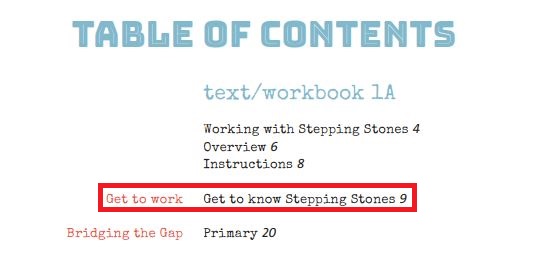
Entries in the Table of Contents designate chapters and should be processed as sections level 1 with a heading level 1.

<section level="1">
  <hd level="1">Get to work 9</hd>
  ....
</section>
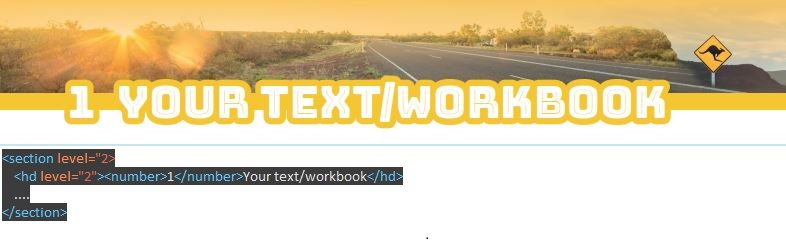
Named parts on the first page of a chapter should be processed as section level 2 with a header level 2:
<section level="2">
  <hd level="2"><number>1</number> Your text/workbook</hd>
  ....
</section>
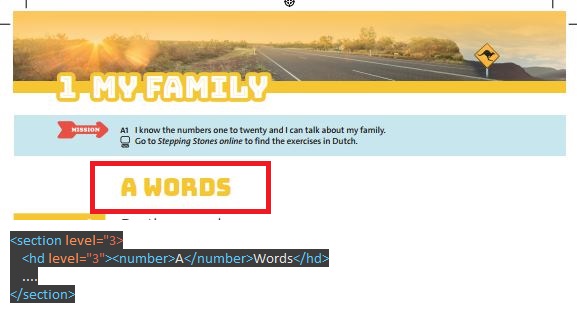
Parts within a section level 2 should be processed as section level 3 with header level 3:
<section level="3">
  <hd level="3"><number>A</number> Words</hd>
  ....
</section>
Assessments
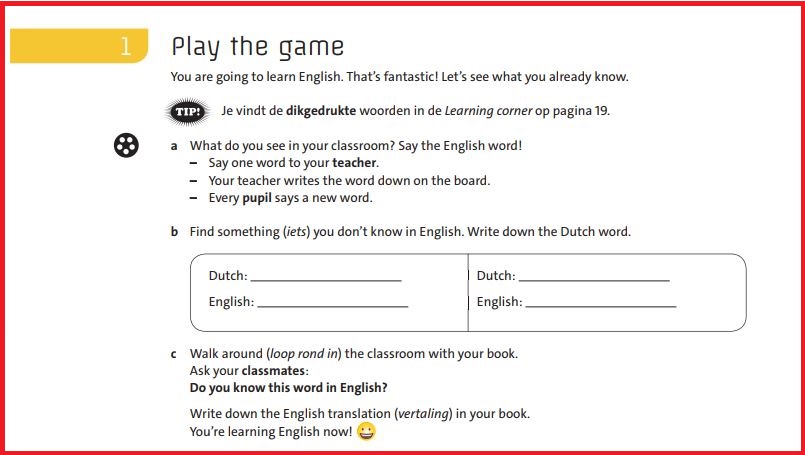
Please visit the assessments page for more information on how to markup.
Input fields in assessments
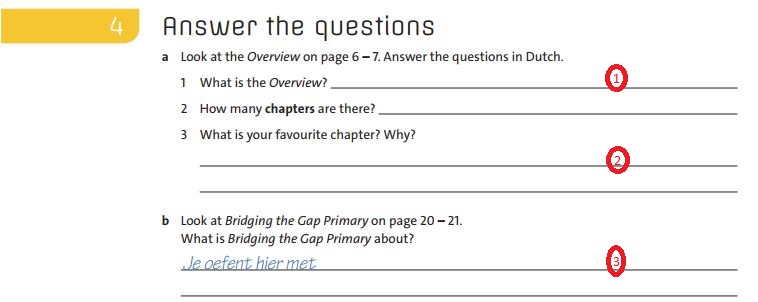
Where there is input expected in an assessment you have choise of two types:
- type=”text”
- type=”textarea” (multiple lines)
When there is prefilled text in the input field, use atrribute prefilled:
3. prefilled=”Je oefent hier met”
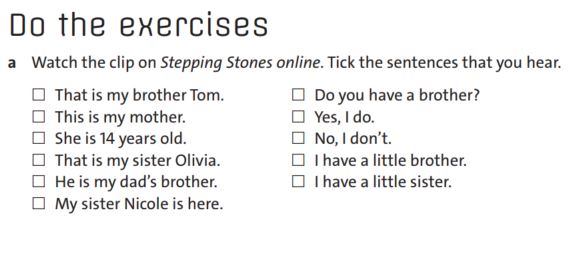
A special case of input files are checkboxes.
4. type=”checkbox”
You can use these in tables and lists.
Please consult the input page for more information on how to markup.
Complicated visual information
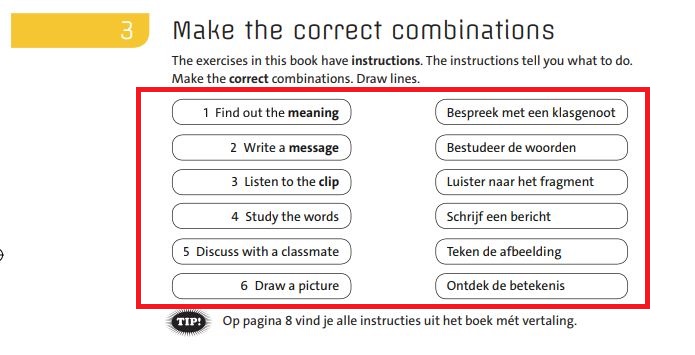
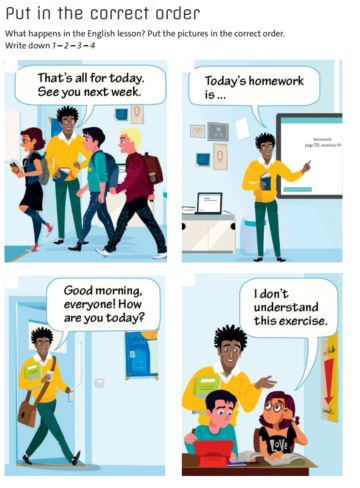
Complcated visual information (e.g. an assessment in which lines have to be drawn between etc.) should be captured as image and processed as a figure. Please visit the figure page for more information on how to markup.
Please note: when there is text in a picture do not copy that text in a prodnote or caption. Just capture the picture and process as figure.
Puzzles
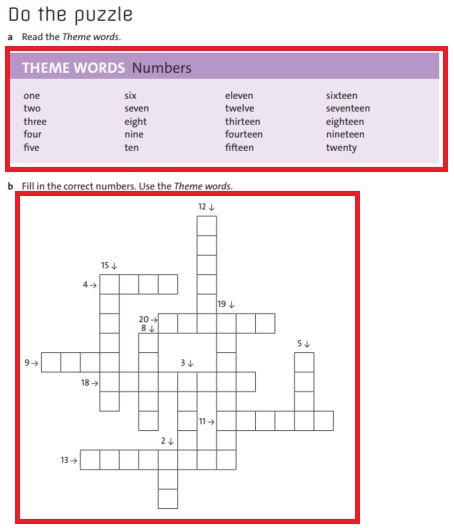
Puzzles are typically found in assesments. The actual puzzle frame (lower red square) should be captured as a picture and processed as figure. For the words that are given to go into the puzzle (upper red square) please follow print. In this case the words should be put in a table with a <title>.
Please note: there is no need to put the table in a frame just because it has a background color. The table form already sets it apart.
Theme Words in a list
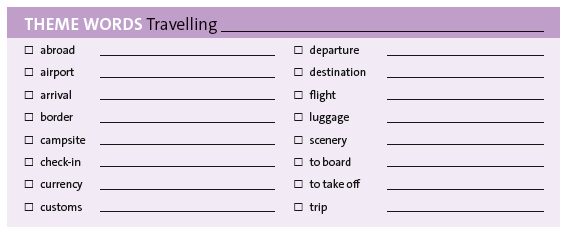
<frame>
<title>THEME WORDS: Travelling <input type="text"></input></title>
<list bullet="none" type="unordered">
<li><input type="checkbox"/> abroad <input type="text"></input></li>
<li><input type="checkbox"/> airport <input type="text"></input></li>
<li><input type="checkbox"/> arrival <input type="text"></input></li>
<li><input type="checkbox"/> border <input type="text"></input></li>
<li><input type="checkbox"/> campsite <input type="text"></input></li>
<li><input type="checkbox"/> check-in <input type="text"></input></li>
<li><input type="checkbox"/> currency <input type="text"></input></li>
<li><input type="checkbox"/> customs <input type="text"></input></li>
<li><input type="checkbox"/> departure <input type="text"></input></li>
<li><input type="checkbox"/> destination <input type="text"></input></li>
<li><input type="checkbox"/> flight <input type="text"></input></li>
<li><input type="checkbox"/> luggage <input type="text"></input></li>
<li><input type="checkbox"/> scenery <input type="text"></input></li>
<li><input type="checkbox"/> to board <input type="text"></input></li>
<li><input type="checkbox"/> to take off <input type="text"></input></li>
<li><input type="checkbox"/> trip <input type="text"></input></li>
</list>
</frame>
Stones
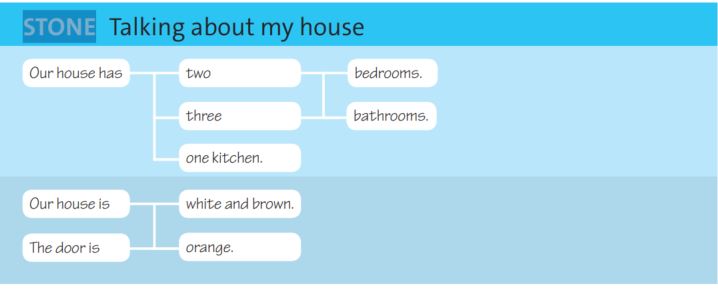
Stones are considered complicated visual information and so should just be captured as a picture and processed as a figure. It is not necessary to copy the text into a prodnote or caption.
Line numbers
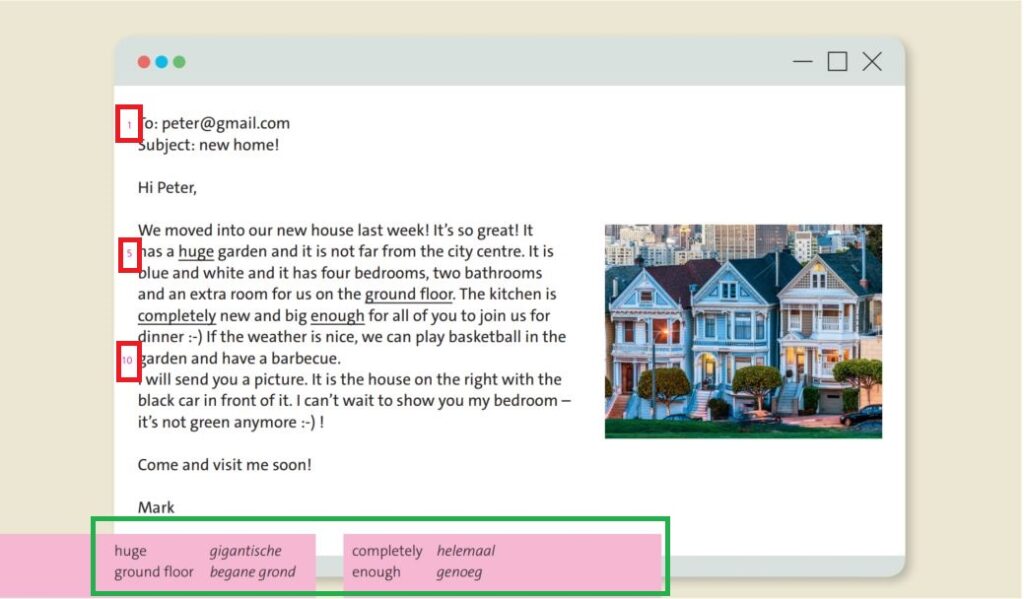
When there are line numbers preceding the lines in a piece of text:
- the text should be placed in linegroups and lines
- the line numbers should be in an in-line <number>-element preceding the text
<linegroup>
  <line><number>1</number> To:peter@gmail.com</line>
  <line>Subject: new home!</line>
</linegroup>
<linegroup>
  <line>Hi Peter,</line>
</linegroup>
<linegroup>
  <line>We moved into our new house last week! It's so great! It</line>
  <line>number>5</number> has a huge....
</linegroup>
Definition list
Translation list (green square above) are typically definition lists. Please consult the dl – page for more information on how to markup.
Tables
Process the sentences and wordlists in the Learning corner as tables.
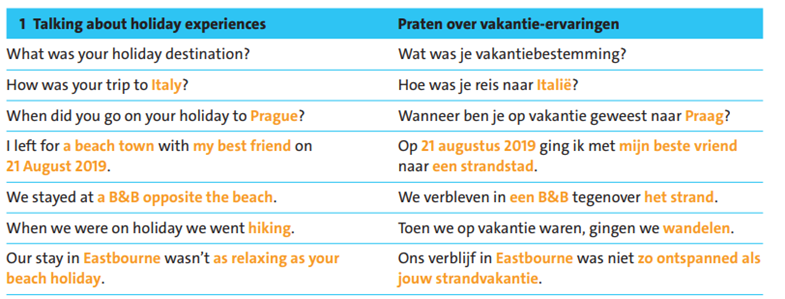
<table>
<thead>
<tr>
<th>1 Talking about holidya experiences</th>
<th xml:lang="nl">Praten over vakantie-ervaringen</th>
</tr>
</thead>
<tbody>
<tr>
<td>What was your holiday destination?</td>
<td xml:lang="nl">Wat was je vakantiebestemming?</td>
</tr>
<tr>
<td>How was your trip to <em fontStyles="bold">Italy</em>?</td>
<td xml:lang="nl">Hoe was je reis naar <em fontStyles="bold">Italië</em>?</td>
</tr>
      .....
 </tbody>
</table>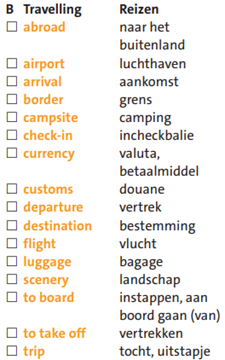
<table>
<thead>
<tr>
<th>B Travelling</th>
<th xml:lang="nl">Reizen</th>
</tr>
</thead>
<tbody>
<tr>
<td><input type="checkbox"></input> abroad</td>
<td xml:lang="nl">naar het buitenland</td>
</tr>
</tbody>
</table>
Colors
Where colors are used as an key attribute to the assessment or quiz, capture it as a picture and process as figure:
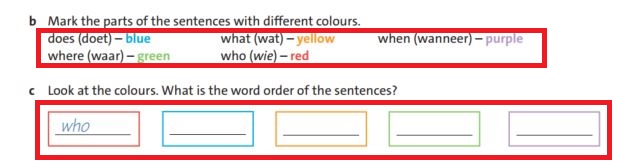
- Upper red square: process as text, ignore colors.
- Lower red square: process as figure