Documentation
Elements
- <a>
- <altRepresentation>
- <aside>
- <assessment>
- <author>
- <backcover>
- <blockquote>
- <body>
- <bodymatter>
- <caption>
- <code>
- <cover>
- <dd>
- <dl>
- <document>
- <dt>
- <em>
- <figure>
- <figureGroup>
- <frame>
- <frontcover>
- <frontmatter>
- <hd>
- <img>
- <indicators>
- <input>
- <jacketcopy>
- <legend>
- <li>
- <line>
- <linegroup>
- <list>
- <meta>
- <metadata>
- <note>
- <noteRef>
- <p>
- <pagebreak>
- <poem>
- <publication>
- <pullquote>
- <rearmatter>
- <section>
- <source>
- <span>
- <sub>
- <subtitle>
- <sup>
- <table>
- <tbody>
- <td>
- <tfoot>
- <th>
- <thead>
- <title>
- <tr>
BVJ
8.1 / 8.2
Book structure
Follow the table of contents and chapter tocs to determine the sectioning structure. See Sectioning for more information.
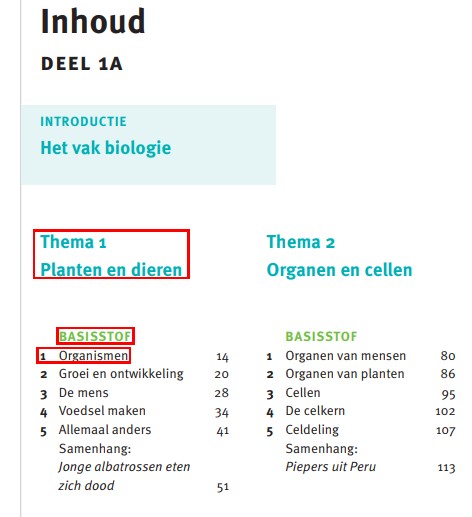
<section level="1" role="chapter">
<hd level="1" number="1" label="chapter">Thema 1 - Planten en dieren</hd>
...
<section level="2" role="subChapter">
<hd level="2">BASISSTOF</hd>
...
<section level="3" role="subChapter">
<hd level="3" number="1" label="chapter">Organismen</hd>
Headings without a section
Examples
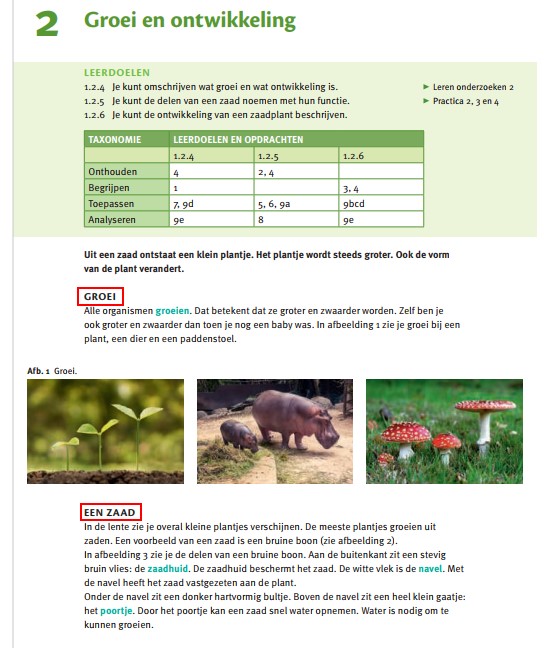
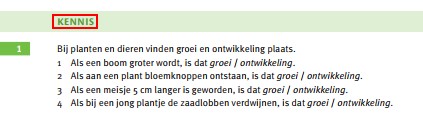
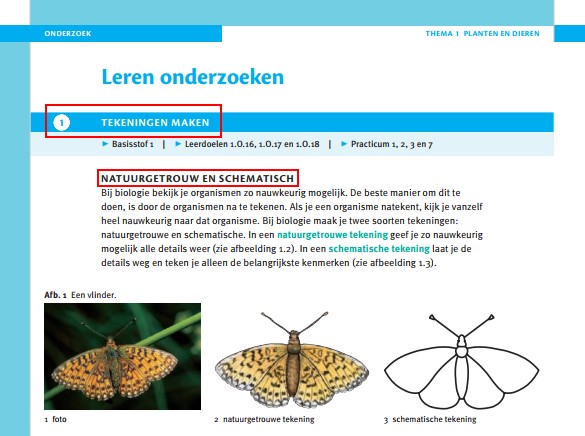
<section level="2" role="subChapter">
<hd level="2">ONDERZOEK</hd>
<section level="3" role="subChapter">
<hd level="3">Leren onderzoeken</hd>
<hd number="1">TEKENINGEN MAKEN</hd>
<p>▸ Basisstof 1 | ▸ Leerdoelen 1.O.16, 1.O.17 en 1.O.18 | ▸ Practicum 1, 2, 3 en 7</p>
<hd>NATUURGETROUW EN SCHEMATISCH</hd>
Pictograms
The pictograms that you encounter throughout the book should be processed as image. If they occur within an assessment, process them within <indicators>. Otherwise process as inline image. Please fill the alt attribute with the value displayed in the table below.
See Pictograms.
| pictogram | value alt attribute |
 | boek |
 | online |
 | tijd |
 | extra uitdaging |
Assessments
See Assessment for more information.
+ assessments

<assessment>
<title number="5" label="assessment">5</title>
<indicators><img alt="Plus" role="informative" type="pictogram" src="/..../Plus.jpg"/></indicators>
<p>Je kunt je oorschelp dubbelvouwen...</p>
Key words
Use the label attribute on emphasized key words within the running text. See em.
Example:
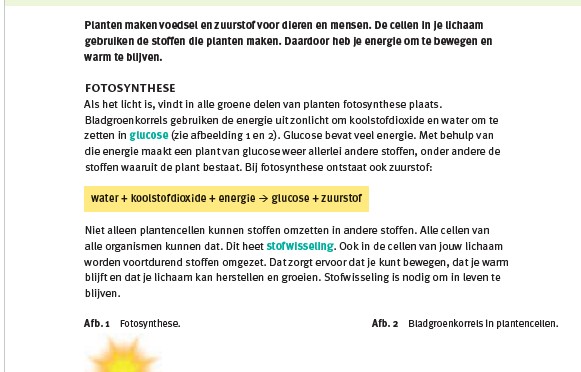
<p>Als het licht is, vindt in alle groene delen van planten fotosynthese plaats. Bladgroenkorrels gebruiken de energie uit zonlicht om koolstofdioxide en water om te zetten in <em type="bold" label="definition">glucose</em> (zie afbeelding 1 en 2). ...</p>Drawing boxes
Process drawing boxes (the white boxes in the ‘Practicum’ sections) as image.
Input
Examples of different types of input fields. See Input for more information.
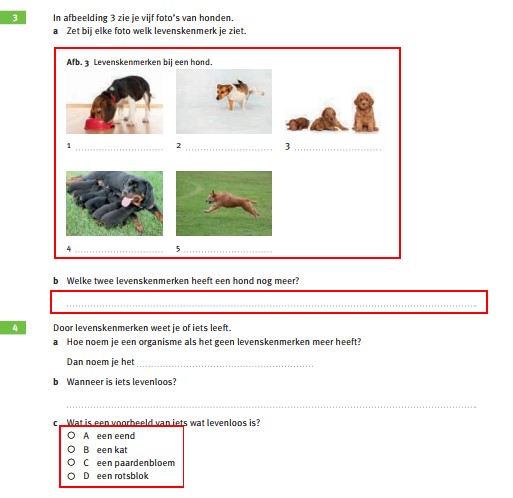
<figureGroup>
<title number="3">Afb. 3</title>
<caption>Levenskenmerken bij een hond.</caption>
<figure>
<img alt="" role="informative" src="/img/000000_p000-0.jpg"/>
<caption>1 <input type="text" id="input-1"/></caption>
</figure>
...
<p><em type="bold">b</em> Welke twee levenskenmerken heeft een hond nog meer?</p>
<p><input type="text" id="input-2"/></p>
...
<p><em type="bold">c</em> Wat is een voorbeeld van iets wat levenloos is?</p>
<list type="ordered" numberType="upperCaseAlpha">
<li><input type="checkbox" id="input-3"/> een eend</li>
<li><input type="checkbox" id="input-4"/> een kat</li>
<li><input type="checkbox" id="input-5"/> een paardenbloem</li>
<li><input type="checkbox" id="input-6"/> een rotsblok</li>
</list>
<p><input type="textarea" id="input-7"/></p>Example with prefilled input:
<assessment>
...
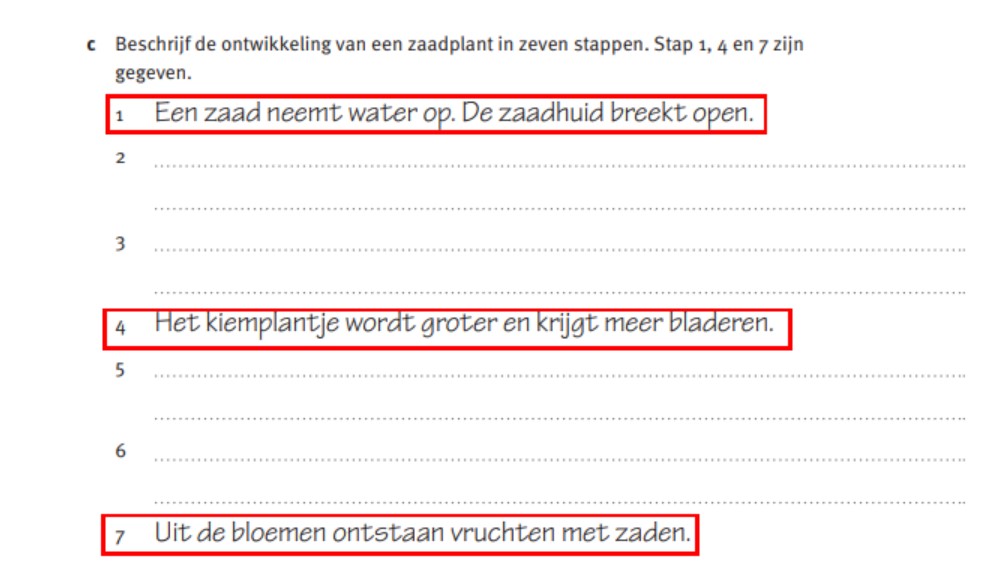
<p><em type="bold">c</em> Beschrijf de ontwikkeling van een zaadplant in zeven stappen. Stap 1, 4 en 7 zijn gegeven.</p>
<list type="ordered" numberType="numeric">
<li><input prefilled="Een zaad neemt water op. De zaadhuid breekt open." type="text" id="input-8"/></li>
<li><input type="textarea" id="input-9"/></li>
..
</list>
</assessment>
No input
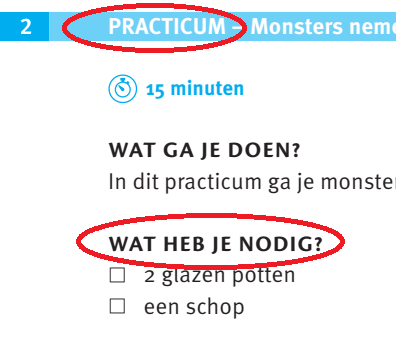
It may seem confusing but in assessments with assessmentType ‘practice‘ you will find a header ‘WAT HEB JE NODIG?’ The list that follows contains bullets that resemble checkboxes but in fact are just that: square bullets.
Please process them as follows:
<assessment assessmentType="practice">
<title number="2" label="assessment">2 PRACTICUM – Monsters nemen</title>
...
<hd>WAT HEB JE NODIG?</hd>
<list listType="unordered" bulletType="square">
<li>2 glazen potten</li>
<li>een schop</li>
</list>
...
</assessment>
Frames
See frame for more information.
Examples
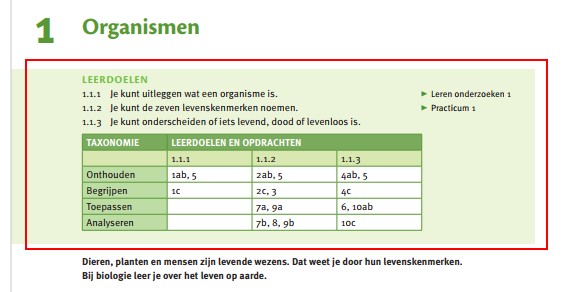
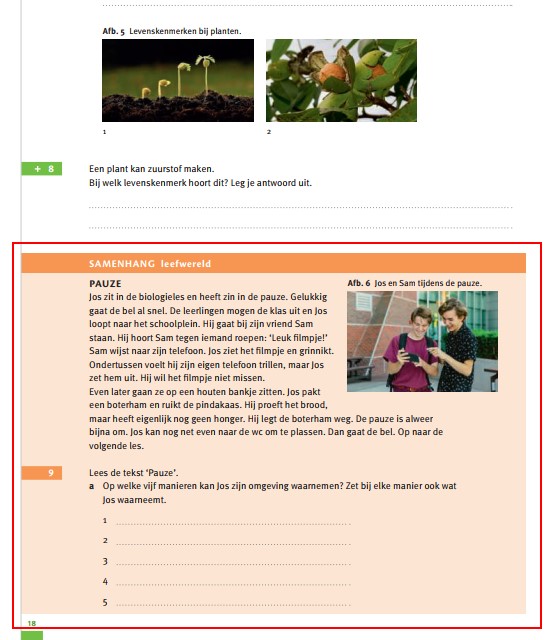
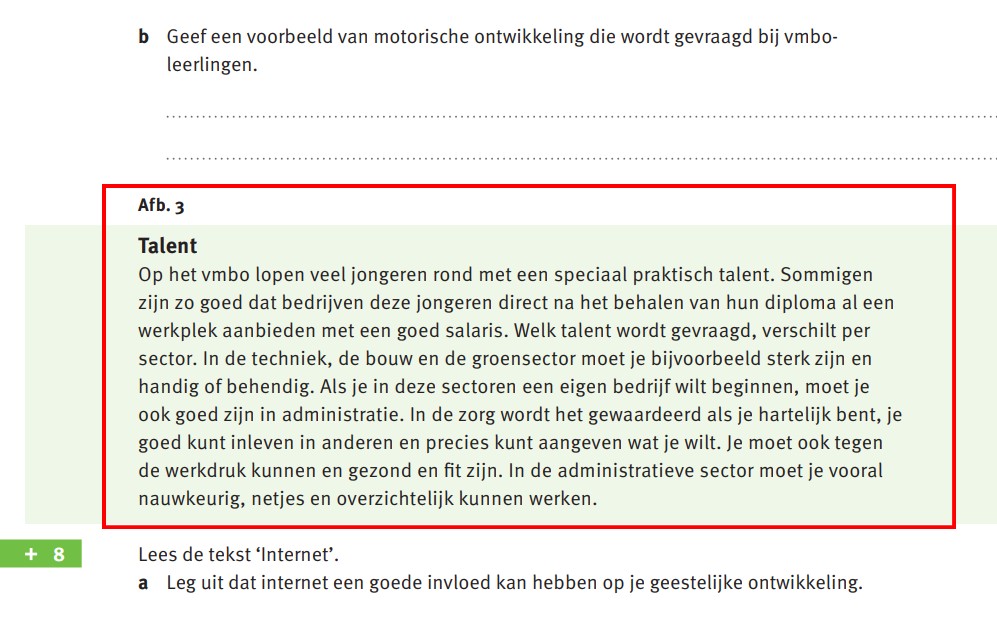
<frame>
<title>Afb. 3</title>
<hd>Talent<hd>
<p>Op het vmbo...kunnen werken.</p>
</frame>
Figures
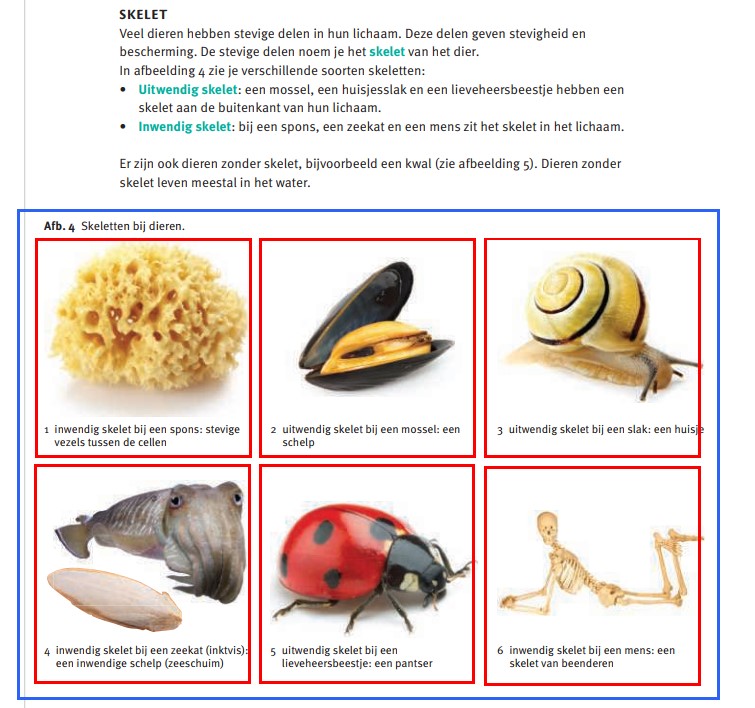
In many cases, images are bundled together in a figureGroup.
Example:
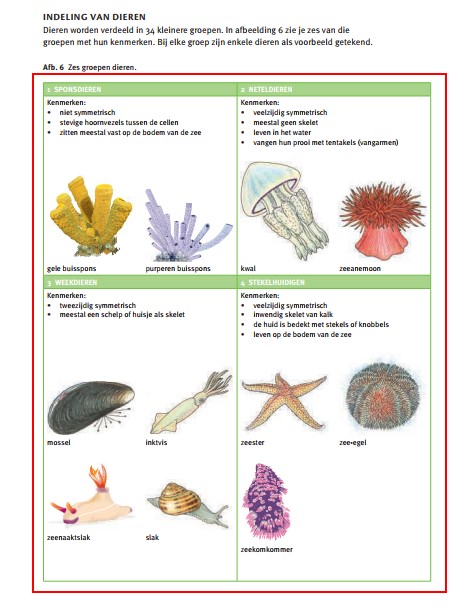
Tables
Examples:
backgroundColor
See backgroundColor under Global attributes.
Summary sections
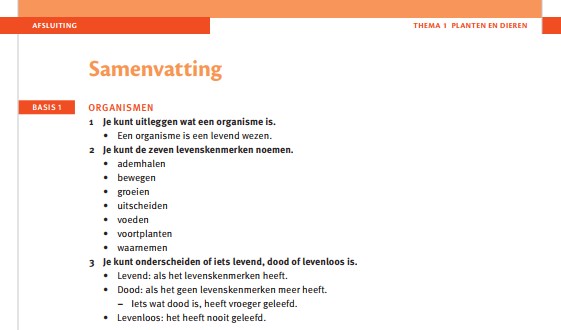
You can recognize summary sections by the title ‘Samenvatting’. Note that these sections do not contain exercises, so do not process the content as assessments. You can label summary sections as section role="summary".
Example
Afbeeldingen (Afb.)
Process figures indicated with Afb. as depicted in book.
Example:
<figure>
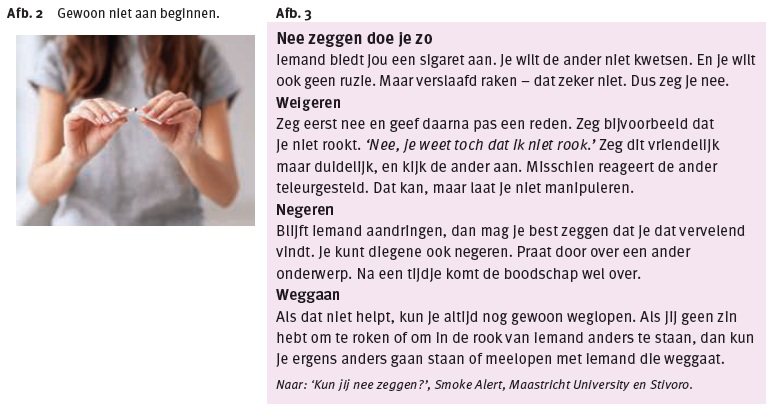
<title number="2">Afb. 2</title>
<caption>Gewoon niet aan beginnen.</caption>
<img alt="" role="informative" src="/img/72860_p055-1.jpg" type="photo"/>
</figure>
<frame>
<title number="3">Afb. 3</title>
<hd>Nee zeggen doe je zo</hd>
...