Documentation
Elements
- <a>
- <altRepresentation>
- <aside>
- <assessment>
- <author>
- <backcover>
- <blockquote>
- <body>
- <bodymatter>
- <caption>
- <code>
- <cover>
- <dd>
- <dl>
- <document>
- <dt>
- <em>
- <figure>
- <figureGroup>
- <frame>
- <frontcover>
- <frontmatter>
- <hd>
- <img>
- <indicators>
- <input>
- <jacketcopy>
- <legend>
- <li>
- <line>
- <linegroup>
- <list>
- <meta>
- <metadata>
- <note>
- <noteRef>
- <p>
- <pagebreak>
- <poem>
- <publication>
- <pullquote>
- <rearmatter>
- <section>
- <source>
- <span>
- <sub>
- <subtitle>
- <sup>
- <table>
- <tbody>
- <td>
- <tfoot>
- <th>
- <thead>
- <title>
- <tr>
<hd>
The <hd> element defines the title of page, chapter, part etc. Not to be confused with title.
Attributes
| Name | Explanation | Required |
|---|---|---|
level | Defines how deep the header is nested in the content. Only use for headings that follow a new section. The level must be equal to the level of the section. For floating headings, do not use this level attribute. See Sectioning. | |
number | Defines the number of the part, chapter or subchapter. | |
label | Defines the semantic type of a heading when the text itself does not include an explicit heading term. In such cases, add a Possible values include:
If the text already contains an explicit heading term (such as “Chapter”, “Hoofdstuk”, “Kapittel”, etc.), do not use the |
Examples
Chapter heading
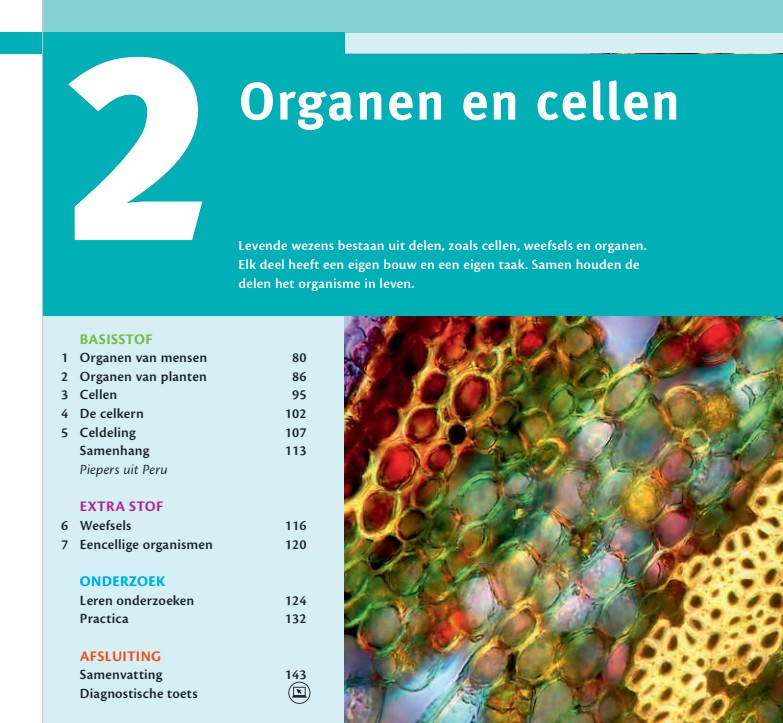
<section level="1" role="chapter">
  <pagebreak id="pb-78">78</pagebreak>
  <hd level="1" number="2" label="chapter">2 Organen en cellen</hd>
Heading with special character

<section level="1" role="chapter">
  <pagebreak id="pb-13">13</pagebreak>
  <hd level="1">HOOFDSTUK 1: DE SAMENLEVING EN HET INDIVIDU</hd>
  <figure>
    <img alt="" role="informative" src="/img/30261_p013-1.jpg" type="photo"/>
  </figure>
  <section level="2" role="subChapter">
    <hd level="2" number="1.1">§ 1.1 IDENTITEIT</hd>
Heading that consists of multiple text parts

<section level="1" role="chapter">
<hd level="1" number="3">Basis 3 De Verlichting</hd>
Heading that follows a new section
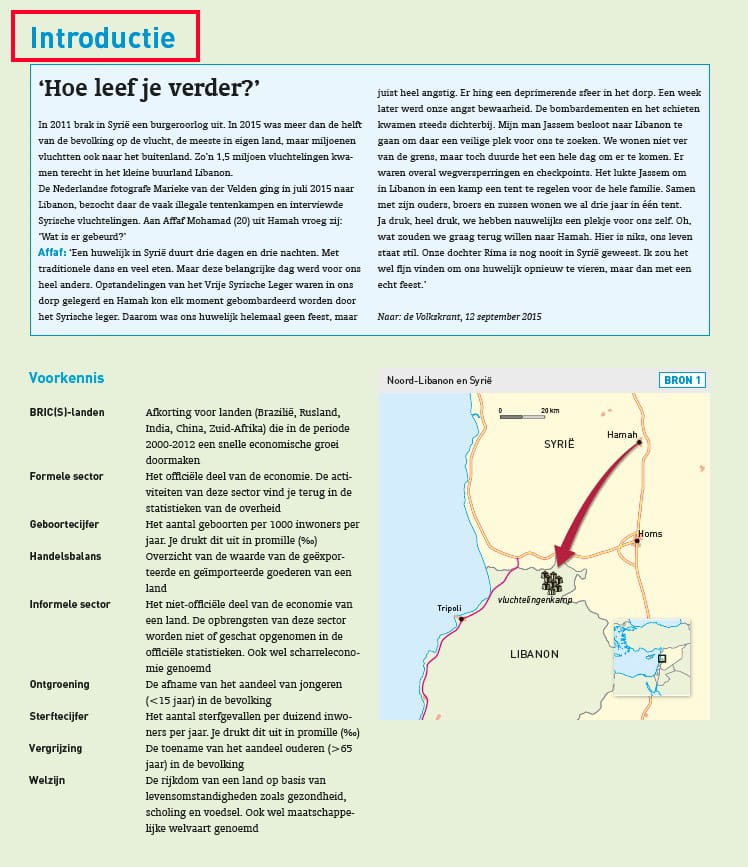
<section level="2" role="subChapter">
<hd level="2">Introductie</hd>
Floating heading without a level attribute
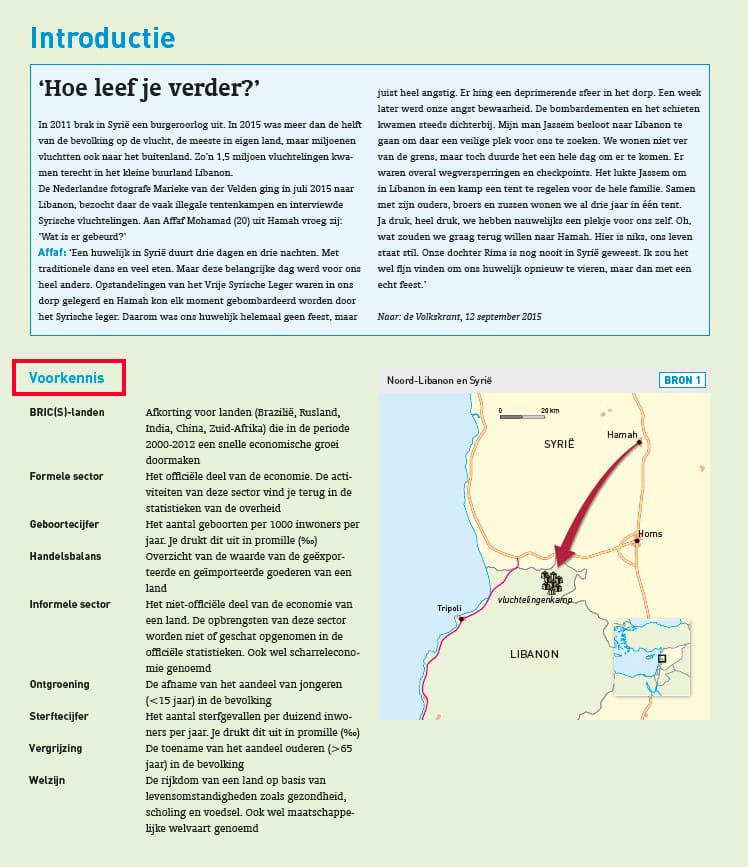
<frame>..</frame>
<hd>Voorkennis</hd>